AI avatars are quickly becoming a powerful tool to communicate at scale, without being on camera every time. AI avatar generators make it easier than ever to create professional, human-like videos in minutes.
In this article, we’ll explore the best AI avatar generators in 2026 and how they can help you create engaging content with speed and efficiency.
What is an AI Avatar Generator?
An AI avatar generator is a tool that uses artificial intelligence to create digital humans or characters that can appear in videos, images, or interactive environments. These avatars are designed to simulate human presence, making it possible to deliver messages, explain concepts, or engage audiences without requiring a real person to be on camera.
Depending on the platform and its capabilities, an AI avatar can:
- Speak using text or audio input
- Move, lip-sync, and gesture in a realistic manner
- Represent a real individual or a fully synthetic character
- Act as a conversational AI agent for customer support or engagement
- Appear as a static image, an animated video, or an interactive virtual assistant.
Comparison Table of Best AI Avatar Generators in 2026
| Tool | Best For | Key Strength | Ease of Use |
| Synthesia | Corporate & marketing videos | Vast realistic avatar library + multilingual | 4/5 |
| D-ID | Photo-based talking avatars | Natural facial motion + expressive videos | 4/5 |
| Colossyan | Team & training content | Collaboration features + workflow focus | 4/5 |
| Elai | Learning & internal comms | Document-to-video & localization | 4/5 |
| AI Studios | Quick script videos | Simple generation & editing tools | 4/5 |
| Veed | Editing avatar + workflow | Video editor + avatar creator | 3/5 |
| Descript | Script-driven production | Script-to-video + transcription | 3/5 |
| Vidyard | Business messaging | CRM integration + tracking | 4/5 |
Best AI Avatar Generators in 2026
1. Synthesia
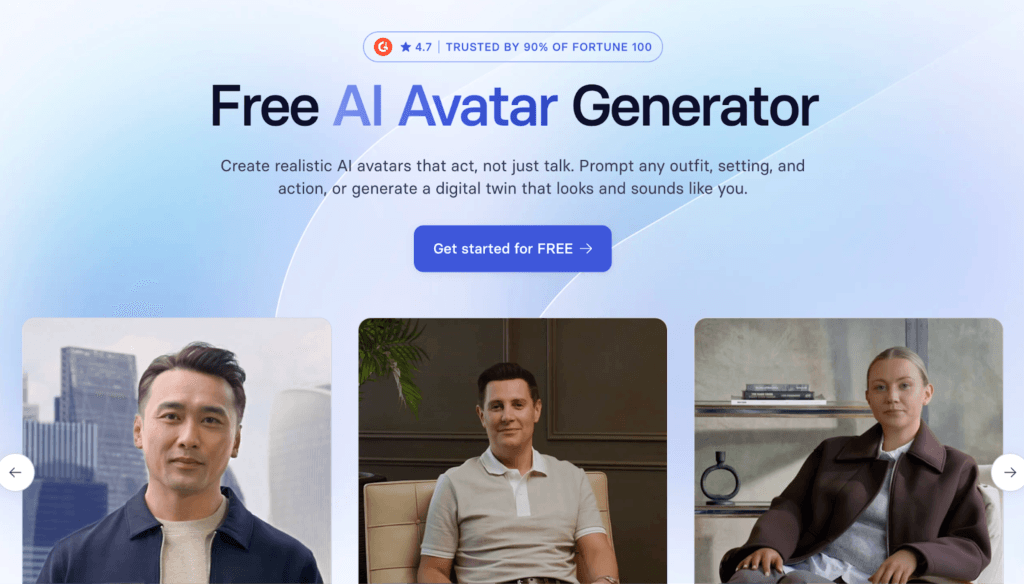
Synthesia is one of the most established AI video avatar generators in 2026, letting you turn simple scripts into professional presenter-style videos without cameras, studios, or actors. It’s widely used for training, marketing, product explainers, and internal communication.
Key Features:
- Multiple Realistic Avatars: Synthesia offers 230+ stock AI avatars covering diverse looks and ages, and you can also create custom avatars.
- Script-to-Video Workflow: Turn text, scripts, documents, or URLs into full videos in minutes.
- Multi-Language Support: With support for 160+ languages and accents, Synthesia makes it easy to localize content for global audiences without needing native speakers.
- Customization & Branding: You can customize avatars, outfits, and backgrounds, add logos, and use video templates to match your brand style and messaging.
Cons:
- Limited Emotional Nuance: The avatars can lack natural facial expressions and emotional range.
- Pricing for Full Features: Advanced capabilities can be costly for small creators or teams with tight budgets.
Review: Synthesis is a strong choice if you want polished, presenter-led videos without filming or editing. Its multilingual AI avatars and easy workflow make it excellent for corporate and marketing content, though the generated videos may feel slightly artificial in tone at times.
2. D-ID
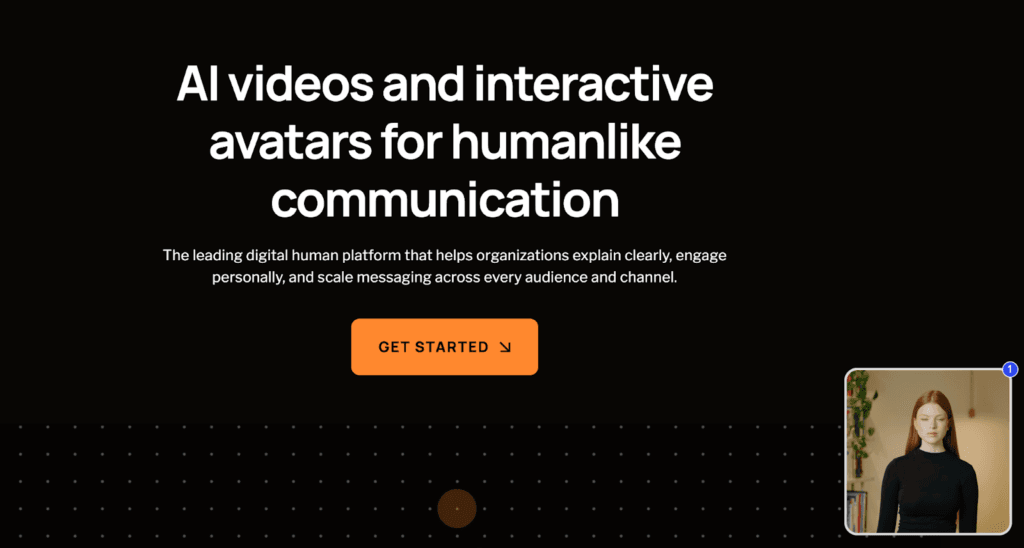
D-ID is an AI avatar generator focused on bringing photos and scripts to life with natural-looking talking avatars and expressive video output. Whether you’re turning a headshot into a presenter or animating historical figures for storytelling, D-ID makes human-like video creation accessible without cameras or actors.
Key Features:
- Photo-to-Video Animation: Turn a still image or headshot into a dynamic talking avatar with realistic lip sync, facial movement, and natural gestures.
- Text-to-Speech & Multilingual Voices: Convert scripts into synchronized speech with a variety of voices and accents.
- Expressive Avatars with Emotion: D-ID focuses on expressive facial motion and eye movement, giving videos a human-like expression.
- Easy Integration & Workflow: With simple upload, script input, and rendering steps, D-ID is beginner-friendly and fast.
Cons:
- Limited Custom Avatar Control: Users have less granular control over full-body movements or avatar styling.
- Output Quality Varies by Input: Results depend heavily on the quality of source images.
Review: D-ID excels at turning photos into lively, talking avatars with surprisingly natural expressions. It’s an excellent choice for storytelling, personalized messages, and social content, though results can vary based on input quality.
3. Colossyan
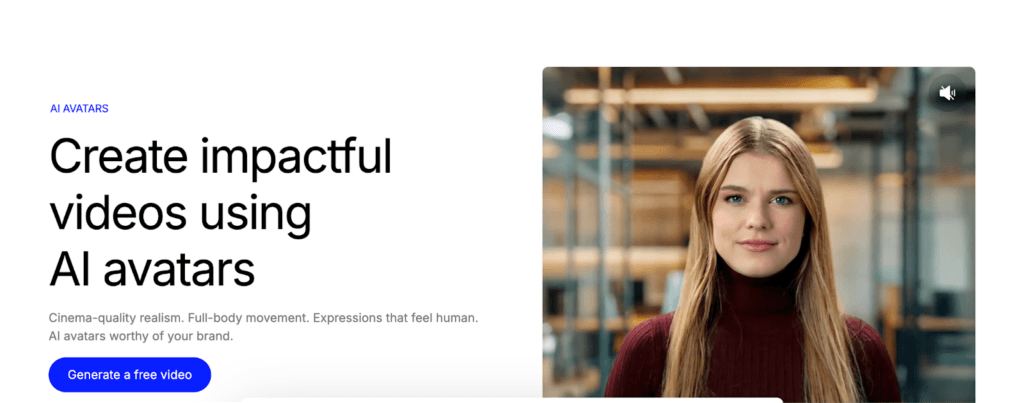
Colossyan is an AI avatar video platform that lets you transform text scripts into engaging talking-head videos in minutes. It’s designed to streamline video production for trainers, educators, content creators, and marketers who want human-like narration without cameras or studios.
Key Features:
- Script-to-Video Creation: Type or paste your script, choose an avatar, and let Colossyan generate a full video.
- Diverse Avatar Library: The platform offers a wide range of AI avatars with varied appearances, styles, and voice options to suit different use cases.
- Multi-Language & Accent Support: Colossyan supports multiple languages and accents, making it easy to create localized content for global audiences.
- Collaboration & Team Tools: Built-in team features let multiple users work on scripts, edit videos, and maintain brand consistency across content.
Cons:
- Expression Limitations: While avatars are lifelike, their facial expressions and gestures can feel somewhat limited.
- Customization Constraints: Advanced avatar customization is more limited compared with some top competitors.
Review: Colossyan is a solid choice for creating polished talking-head videos quickly, with a user-friendly workflow and broad language support. It’s particularly useful for teams and organizations, even if its avatar customization is a bit basic.
4. Elai
Elai is an AI video avatar platform built to help teams turn scripts, presentations, and documents into professional avatar-led videos. It’s widely used for training, onboarding, internal communication, and marketing content at scale.

Key Features:
- Large Library of Realistic Avatars: Elai offers 80+ high-quality talking avatars based on real actors, along with options to create custom studio avatars, selfie avatars, photo avatars, or even animated mascots.
- Strong Multilingual & Voice Capabilities: The platform supports 75+ languages, 450+ voices, and multilingual voice cloning.
- Convert Documents Directly to Video: Elai can turn PPTs, PDFs, URLs, and text scripts into fully narrated videos.
- Interactive & Team-Friendly Workflows: Built-in interactivity like quizzes, buttons, and chapters makes Elai well-suited for organizations and learning teams.
Cons:
- Limited Emotional Expressiveness: Facial expressions and gestures can feel restrained.
- Rendering Speed Can Vary: Video generation times may be slower for longer or more complex videos.
Review: Elai is a strong choice for teams looking to scale training and informational videos with consistent, professional avatars. Its multilingual support and document-to-video workflow stand out, even if the avatars feel more functional than expressive at times.
5. AI Studios
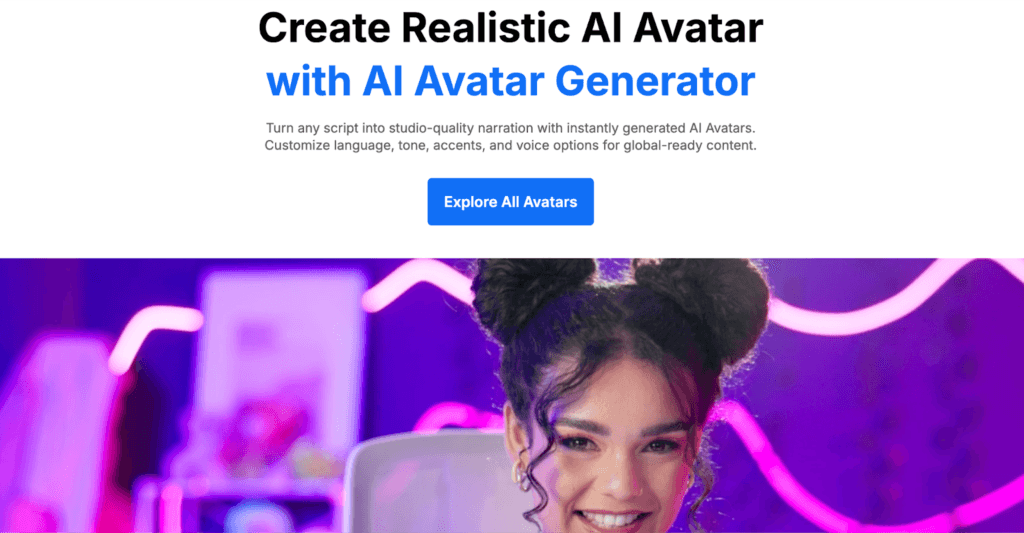
AI Studios is an AIavatar platform that turns written scripts into engaging, talk-style videos without requiring cameras, actors, or a complex editing style. It’s geared toward educators, marketers, and content creators who want natural-looking and dynamic videos with minimal effort.
Key Features:
- Script-to-Video Generation: AI Studios can generate full talking-head videos complete with synchronized voice and gestures.
- Diverse Avatar Selection: The platform offers a varied selection of avatars across different tools.
- Custom Voices & Language Support: AI Studios supports multiple languages and voice modulation, enabling localized content creation.
- Easy Editing Tools: Built-in editing features let you trim scenes, adjust pacing, insert values, and add captions.
Cons:
- Limited Dynamic Movement: The avatars’ gestures and movements can feel a bit repetitive, especially in longer videos.
- Avatar Personalization Constraints: Deep customization is more limited compared with high-end competitors.
Review: AI Studios is a practical choice for quickly converting scripts into professional talking-head videos, especially for internal communication and educational content. It’s user-friendly and efficient, even if its avatars lean toward a more uniform presentation style.
6. Veed
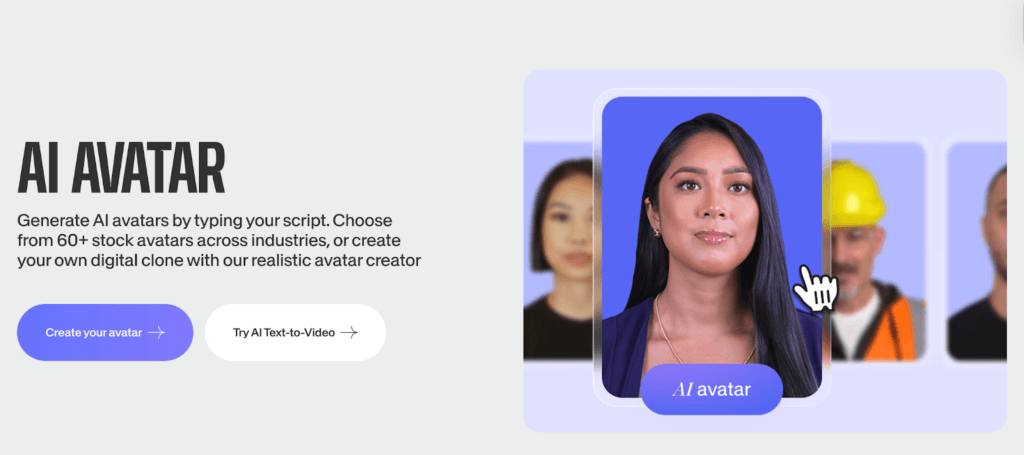
Veed is a versatile video editing platform that also offers an AI avatar generator as part of its suite of creation tools. It lets users turn scripts into talking-head videos and easily integrate avatars into broader video editing workflows, making it a solid choice.
Key Features:
- Integrated Video Editor: Veed lets you create AI avatars and edit your videos in the same interface.
- Script-to-Speech Avatars: Input text or upload audio to generate talking avatars with synchronized speech.
- Customization & Styling: Veed supports avatar styling options, backgrounds, overlays, and branding tools.
- Collaboration & Cloud Workflows: With cloud-based editing and team sharing features, Veed is ideal for distributed teams working on content together.
Cons:
- Avatar Focus is Secondary: Because Veed is first a video editor, its AI avatar capabilities aren’t as advanced or expressive.
- Feature Limits on Free Plan: Some avatar features and higher-quality outputs require paid plans.
Review: Veed stands out if you want a combined avatar creation and editing workflow in one place. It’s ideal for creators who edit regularly, though its avatar features feel more basic compared with dedicated tools.
7. Descript
Descript is a creative site that combines powerful video editing with AI-driven avatar and voice-generation features. It makes it easy to produce content directly from scripts or recordings.

Key Features:
- AI Avatar Generation: Descript lets you create lifelike AI avatars that can speak your script with smooth lip-sync and natural gestures.
- Integrated Editing Ecosystem: Descript includes a full video editor, multitrack timeline, and powerful features like overdub (AI voice cloning).
- Script-First Workflow: Edit video by editing text: type, delete, rewrite the script, and the video updates accordingly.
- Automatic Transcription & Captions: Descript automatically transcribes your videos and generates captions.
Cons:
- Avatar Quality Can Vary: Some AI avatars may look less polished or expressive.
- Learning Curve: Beginners might take time to master the interface beyond basic avatar creation.
Review: Descript is ideal if you want powerful video editing plus AI avatar creation is the same tool. Its script-to-video workflow and transcription features boost productivity, even if avatar realism isn’t always top of class.
8. Vidyard
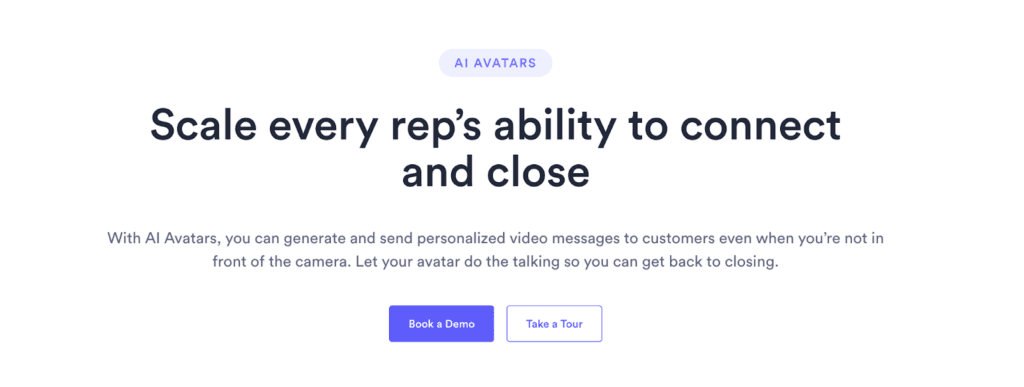
Vidyard’s AI avatar tools are built with business communication and personalized video messaging in mind. They help sales teams, marketers, and internal communicators quickly generate talking-head AI videos that feel tailored and engaging.
Key Features:
- Personalized AI Videos: Vidyard lets you create avatar-led videos that can feel more personal.
- CRM & Workflow Integration: The platform connects with sales and marketing tools like CRMs and email systems.
- Brand Consistency Tools: You can customize avatars with brand colors, logos, and messaging templates to ensure every video aligns with your organization’s visual identity.
- Analytics & Engagement Tracking: Vidyard provides insights on viewer engagement, heatmaps, and performance metrics.
Cons:
- Focused on Business Use Cases: Its avatar features may feel limited if your goal is creative content.
- Cost Relative to Features: Some advanced personalization and analytics features are gated behind higher-tier plans.
Review: Vidyard is a strong choice for teams that want avatar videos integrated into business workflows and engagement tracking. Its CRM connections and personalization tools make it effective for sales and internal communication, even if creative flexibility is somewhat limited.
AI avatar generators have evolved significantly by 2026. The right tool choice ultimately depends on your use case. Dedicated avatar platforms excel at realism and scalability, while all-in-one tools offer flexibility by combining avatars with editing, collaboration, and analytics.
If you’re looking to scale video creation, localize content, or streamline communication in 2026, AI avatar generations are no longer experimental. They’re a practical part of the modern content stack.
Read our other AI expert guides here:
- AI Infographic Generator Tools
- Best AI Agents for E-Commerce
- 10 Best AI Influencer Generators in 2026: The New Face of Digital Advertising
FAQs
In 2026, most AI avatar tools produce highly realistic lip-sync and facial movement, especially for presenter-style videos. While they may not fully match human emotional nuance, they are more than sufficient for training, marketing, and business communication/
Most leading AI avatar platforms offer enterprise-grade security, data protection, and usage controls. Many also provide compliance options and private avatar creation, making them suitable for internal communication and brand-sensitive content.
Yes, reputable tools provide commercial usage rights for generated avatars, especially when using stock or licensed avatars. However, terms vary by platform, so it’s important to review licensing policies, particularly for custom or cloned avatars.
Start by testing avatar realism, voice quality, rendering speed, and ease of editing. Creating a short sample video for your actual use case is the best way to assess whether the tool fits your workflow and expectations.
Disclosure – This post contains some sponsored links and some affiliate links, and we may earn a commission when you click on the links at no additional cost to you.