Platforms like Synthesia have made it easy to turn text into professional-looking videos without cameras, syuidos, or on-screen talent.
But as AI video tools evolve, so do users’ needs. There are plenty of powerful Synthesia alternatives available in 2026. In this article, we’ll explore the best free and paid alternatives to Synthesia and help you find the right fit for your video creation goals.`
What to Look for in a Synthesia Alternative
Here are a few key questions to ask yourself before deciding:
- Do you need studio-quality presenters or creator-style avatars?
- Is lip-sync realism critical?
- Do you need support for multiple languages?
- Is interactivity or real-time conversation important?
- What type of videos are you producing?
Answering these questions upfront makes it much easier to narrow down your options and choose a Synthesia alternative that actually fits your workflow, instead of forcing one that doesn’t.
Quick Picks
| Use Case | Tool |
| Best overall Synthesia alternative | HeyGen |
| Best free Synthesia alternative | D-ID |
| Best for training and internal learning | Colossyan |
| Best for multilingual marketing videos | Elai |
| Best for fast avatar generation at scale | AI Studios |
| Best for social & creator-style videos | Veed |
| Best for podcasts & voice-first content | Descript |
Comparison Table of Best Synthesia Alternatives in 2026
| Tool | Avatar Realism | Interactivity | Editing Flexibility |
| HeyGen | High | Strong | Strong built-in editor |
| D-ID | Medium | Moderate | Low |
| Colossyan | Medium to High | Strong | Moderate |
| Elai | Medium | Strong | Moderate |
| AI Studios | Medium | Moderate | Low to Moderate |
| Veed | Low (not avatar-focused) | Moderate | Very high |
| Descript | Low (talking-head only) | Limited to Moderate | Very high |
Best Synthesia Alternatives in 2026
1. HeyGen
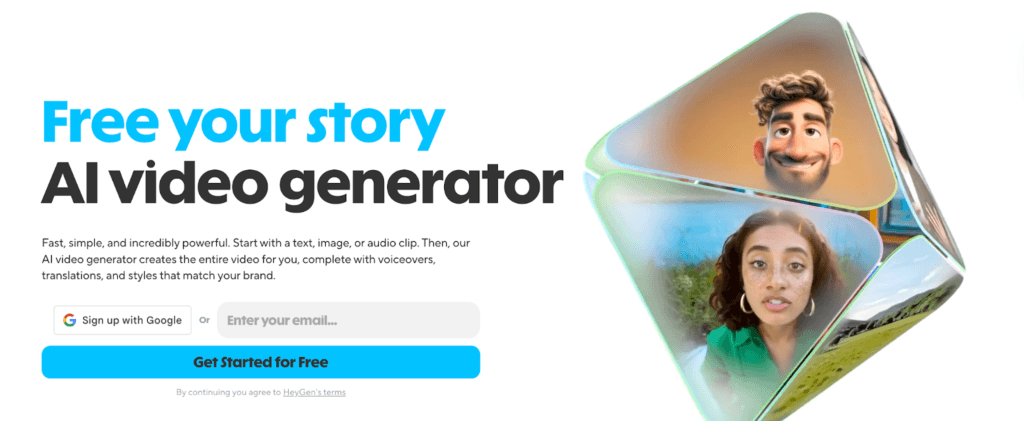
When it comes to replacing Synthesia with a tool that’s just as capable, but a bit more flexible, HeyGen is one of the strongest contenders in 2026. It strikes a nice balance between polished output and creative control, making it a solid choice for a wide range of video needs.
Why Teams Switch From Synthesia to HeyGen:
- More Natural-Looking Avatars: The presenters often feel a bit more lifelike and expressive.
- Better Voice Variety: You get a broader selection of voices, accents, and tones.
- Faster Video Generation: Turnaround time is quick, even with longer scripts.
- Easier Customization: Making edits and adjusting visuals in intuitive, even for beginners.
Best For:
- Marketing explainers and short promo videos
- Product walkthroughs and feature demos
- Multilingual content for global audiences
- Agencies creating videos for clients
2. D-ID
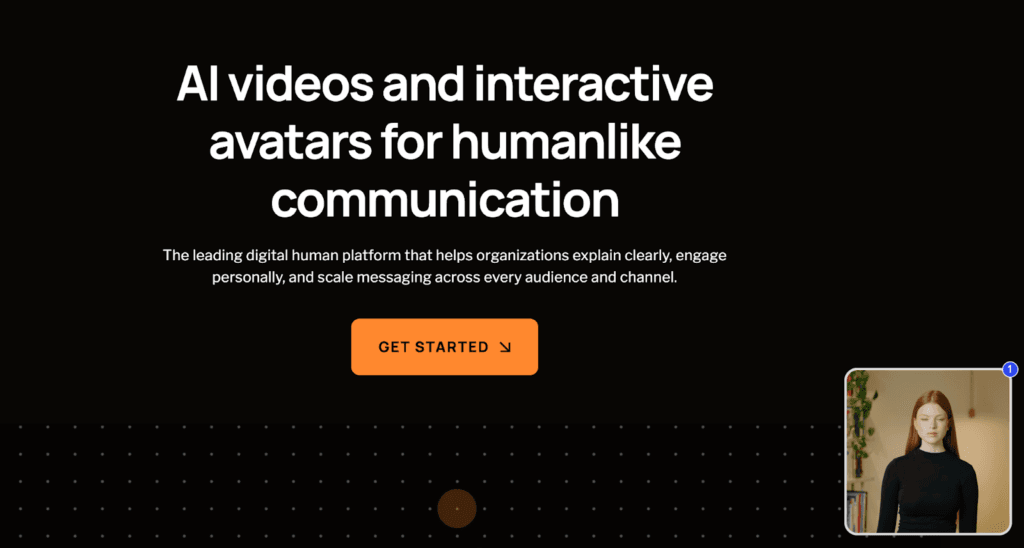
D-ID takes a very different approach compared to Syntesia. Instead of focusing mainly on scripted, presentation-style videos, it’s built around interactive, conversational AI avatars that can respond in real time.
This makes D-ID especially interesting for teams experimenting with AI-driven customer interactions rather than traditional video content.
Why Teams Switch From Synthesia to D-ID:
- Real-Time AI Agents: Avatars can listen, respond, and interact dynamically.
- Text-Prompt Avatar Generation: Create avatars quickly using simple prompts.
- API-First Approach: Designed to integrate into apps, websites, and custom workflows.
- Strong Use Cases: Ideal for virtual agents and AI helpers.
Best For:
- AI-powered chat avatars
- Customer-facing virtual assistants
- Experimental and emerging conversational interfaces
3. Colossyan
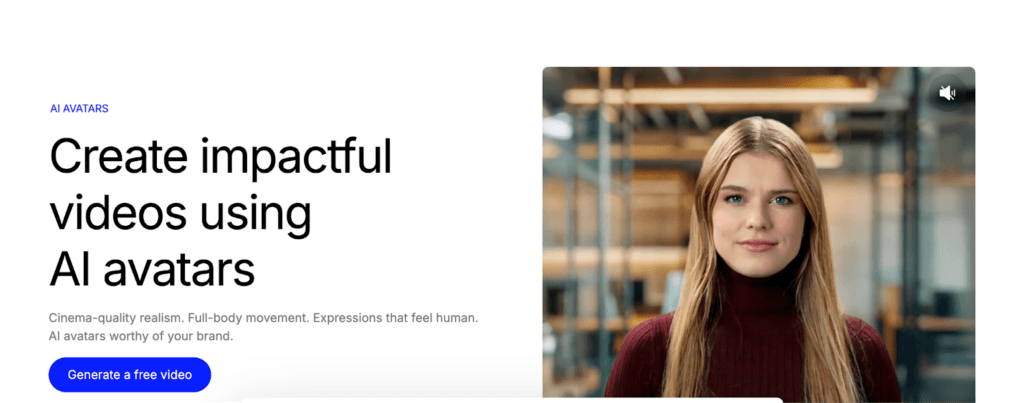
Colossyan stands out in one of Synthesia’s most common use cases: training, onboarding, and internal learning content. It’s designed with enterprise education in mind, making it easier to create structured, instructional videos without adding complexity.
Why Teams Switch From Synthesia to Colossyan:
- Built-In Quizzes and Branching: Add interactivity directly into training videos.
- Multiple Avatars Per Video: Useful for role-based scenarios and guided walkthroughs.
- Faster Production Workflows: Create and update training content quickly.
- Strong Enterprise Learning Focus: Well-suited for LMS and corporate environments.
Best For:
- Corporate training programs
- Compliance and policy videos
- Internal communications and onboarding
4. Elai
Elai delivers many of the core features people look for in Synthesia, but with a lower barrier to entry, especially for teams creating content for global and multilingual audiences. It’s a practical option for marketers who want scale without overcomplicating production.
Why Teams Switch From Synthesia to Elai:
- Strong Multilingual Support: Create videos in multiple languages with ease.
- Custom Avatars: Useful for brand-specific or recurring video content.
- Conversational AI Agents: Adds flexibility beyond standard scripted videos.
Best For:
- International and multilingual marketing teams
- Explainer-style and informational videos
- Early-stage experimentation with AI video tools
5. AI Studios
AI Studios is designed for teams that need speed and scale above everything else. With a large library of pre-built avatars and quick rendering times, it’s a practical choice when video volume matters more than fine-grained realism or interactivity.
Why Teams Switch From Synthesia to AI Studios:
- Large Avatar Library: You get plenty of ready-made presenters to choose from.
- Fast Video Production: Ideal for producing videos quickly at scale.
- Simple, Structured Workflows: Users find it easy to replicate videos in bulk.
Best For:
- High-volume internal videos
- News-style presentations and updates
- Corporate announcements and briefings
6. Veed
Veed isn’t a direct Synthesia replacement in the traditional sense, but it’s a strong alternative for creators and marketing teams who care more about speed, style, and social-ready content than audio-style AI presenters.
Instead of focusing heavily on avatars, Veed combines light AI features with a powerful, browser-based video editor that’s easy to use and quick to export.
Why Teams Switch From Synthesia to Veed:
- Creator-Friendly Editing Tools: Trim, subtitle, brand, and publish videos in minutes.
- Strong Social Media Focus: Built for short-form, vertical, and platform-ready content.
- Fast Workflows: Ideal for teams that need quick turnarounds.
- Minimal Learning Curve: Easy to pick up, even for non-editors.
Best For:
- Social media and short-form marketing videos
- Creator-style explainers and announcements
- Teams prioritizing speed over avatar realism
7. Descript
Descript approaches AI video from a voice-first perspective. Instead of focusing on full-body avatars or studio-style presenters, it blends AI voice, text-based editing, and talking-head visuals into a single, creator-friendly workflow.
It’s especially popular with creators and founders who want their videos to feel conversational, authentic, and easy to edit.
Why Teams Switch From Synthesia to Descript:
- Strong AI Voice Capabilities: Ideal for narration, podcasts, and voice-driven content.
- Text-Based Video Editing: Edit audio and video the same way you’d edit a document.
- Talking-Head Avatar Support: Useful for simple on-camera style videos.
- Creator-Focused Workflows: Descript is built for speed and flexibility.
Best For:
- Podcasts and audio-led content
- YouTube explainers and educational videos
- Founder-led and personality-driven content
Free Synthesia Alternatives
| Tool | What’s Free | Good to Know |
| D-ID | Minutes-based free trial | Useful for testing real-time and conversational avatars |
| Colossyan | Free plan with limited minutes | Best suited for trying training-style videos |
| Veed | Free plan with watermark | Works well for social videos and quick edits |
| Descript | Free plan for testing avatars and editing | Ideal for voice-first and podcast-style workflows |
Synthesia vs Alternatives: When Should You Switch?
| Stick with Synthesia If… | Switch to an Alternative If… |
| You need studio-grade avatar realism | You want faster iteration and turnaround |
| You’re producing enterprise-level training | You prefer a less corporate tone |
| You rely on SCORM or LMS export | You need more creative or conversational output |
| You require structured, compliance-friendly workflows | You’re experimenting or prototyping ideas |
| Budget is less of a concern | You want lower costs for testing and exploration |
Synthesia is still a strong player in AI video, especially for structured, enterprise-grade use cases. But in 2026, it’s no longer the only serious option. There’s a growing ecosystem of Synthesia alternatives for very specific needs. The right choice depends less on which tool is “best” and more on how you plan to create, iterate, and scale your videos.
Here are some of our popular AI guides:
- 10 Best AI Influencer Generators in 2026: The New Face of Digital Advertising
- AI Infographic Generator Tools
- Best AI Agents for E-Commerce
FAQs
At small volumes, most tools are affordable. AI scale, costs usually depend on volume minutes, avatar usage, languages, and export quality. Enterprise features like LMS support, APIs, and compliance can increase pricing significantly, which is why large teams often move to custom plans.
There’s no one-click migration. Scripts, voiceovers, and basic structures can usually be reused, but avatars, layouts, and interactions often need to be rebuilt. Teams typically migrate gradually rather than all at once.
Yes. Enterprise-focused tools tend to offer stronger compliance, data handling controls, and contractual safeguards. Creator-focused platforms may prioritize ease of use over advanced security features, so it’s important to review data policies if you’re handling sensitive or internal content.
In terms of overall polish and realism, HeyGen comes closest to Synthesia for studio-style videos. Others prioritize different strengths, such as interactivity, speed, or creative flexibility, rather than pure avatar realism.
Disclosure – This post contains some sponsored links and some affiliate links, and we may earn a commission when you click on the links at no additional cost to you.