Once you start scraping real-world websites, you must encounter CAPTCHAs and bot detection systems. As scraping tools have become more advanced, so have anti-bot systems. What used to work with a simple Python script now triggers modern detection systems powered by fingerprints, behavioral analysis, and machine-learning-based security.
This guide explains how modern bot detection works and how ethical scrapers stay under the radar.
Why Websites Block Scrapers in the First Place
Here’s what’s going on behind the scenes:
| Reason | What It Means | Why It Matters |
| Abuse Prevention | Stops mass scraping, spam, and malicious data harvesting | Protects users and business data from being misused |
| Server Load Control | Limits automated requests that overload servers | Keeps websites fast and stable for real users |
| Fraud & Spam Protection | Blocks bots that create fake accounts or perform fake actions | Reduces scams, fake traffic, and manipulation |
| Data Protection & Compliance | Prevents sensitive or copyrighted data from being extracted at scale | Helps companies stay compliant with privacy & legal policies |
| SEO Integrity | Stops bot-driven manipulation of rankings & site metrics | Keeps analytics accurate and search performance trustworthy |
The 4 Main Bot Detection Signals
Here are the big 4:
- IP Reputation & Metadata: where your traffic is coming from and whether it looks suspicious.
- Browser Fingerprinting: the unique signature your browser gives off.
- TLS Fingerprinting: cryptographic handshake details that reveal automation tools.
- Behavioral Analysis: how real users behave vs. how bots move, scroll, and click.
This decides whether to let you in or show you a CAPTCHA.
How CAPTCHA Fits Into the Detection Stack
CAPTCHA isn’t random. Most modern systems run on risk scoring models in the background. Every request gets a kind of trust score based on things like:
- Where your IP comes from
- Whether your browser looks real
- How fast you’re clicking
- Whether your behavior feels human
If your score drops below a certain threshold, the site doesn’t block you immediately. Instead, it says, “prove you’re a human.”
Smart IP Rotation & Geo-Targeting
The goal here is simple:
Don’t look like one bot hitting a website nonstop.
Look like lots of normal users browsing naturally.
Rotate IPs the Right Way
Smart rotation means:
- Don’t Hammer from One IP: If hundreds of requests come from a single address in a short time, you’ll trigger rate limits fast.
- Use Session-Based Routing: Instead of rotating every single request, keep one IP “sticky” for a while, like a real user session. This feels much more natural.
- Avoid Public or Free Proxies: They’re overused, slow, flagged on reputation databases, and often already burned.
Use Residential & Mobile IPs When Needed
Not all IPs are treated equally.
- Datacenter IPs: often cheap, fast, and heavily monitored
- Residential & Mobile IPs: belong to real ISPs and devices
That means:
- Higher Trust Scores: Traffic appears like it’s coming from real households or phones.
- ASN (Network Owner) Diversity: Websites see traffic from different providers, like Airtel, AT&T, Verizon, etc.
- Better Region Alignment: Your traffic naturally matches local behavior patterns.
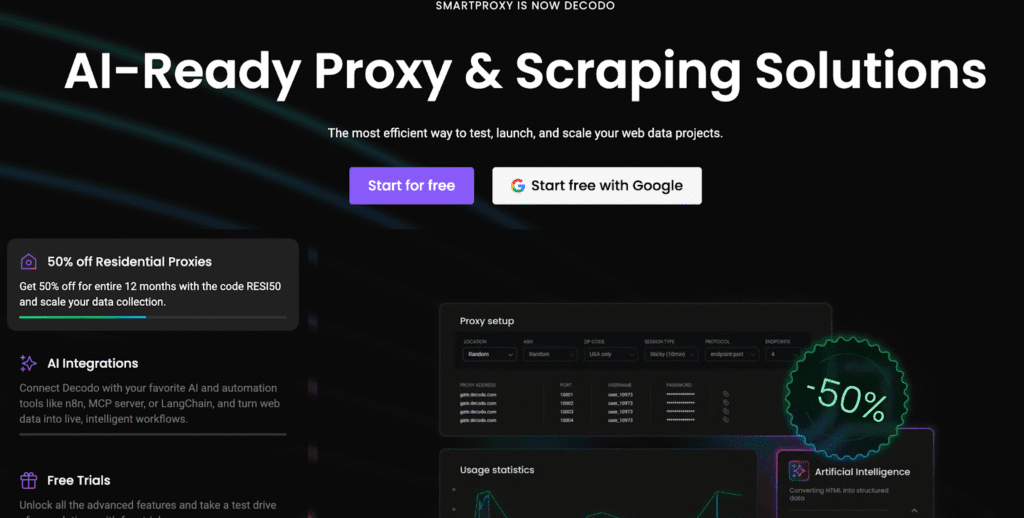
Note: Popular providers such as Decodo offer residential and mobile proxy networks designed to mirror real-world user distribution, which helps maintain trust signals over longer scraping sessions.
Stay Geo-Consistent
When traffic comes from random global regions at once, it stands out. Real users don’t jump from one location to another in 30 seconds.
Geo-matching helps your traffic feel authentic and local.
A Quick Note on Managed Proxy Platforms
Many teams eventually discover that managing proxy pools yourself can get complicated. So instead of building all that infrastructure manually, a lot of companies now use platforms like Decodo, which provide:
- Ethically sourced residential & mobile IPs
- Automatic rotation
- Built-in geo-targeting
- Realistic traffic distribution
This helps your scraping traffic look much closer to real human browsing, without juggling proxy lists all day.
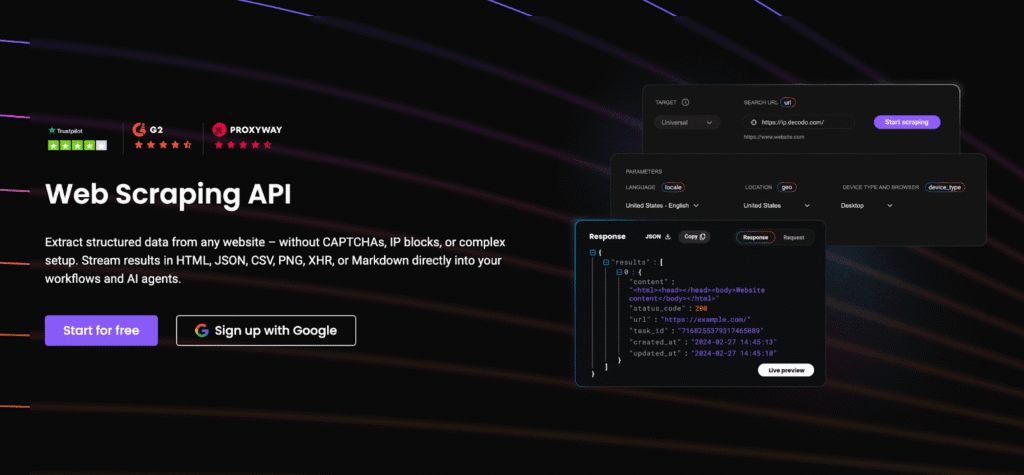
If you want to explore what this kind of setup looks like in practice, Decodo’s Web Scraping API page explains how proxy rotation, geo-targeting, and network diversity are handled under the hood.
Browser Fingerprinting Control
Websites also look at your browser itself and the tiny details it gives away. This is called browser fingerprinting, and it’s how sites tell the difference between a real Chrome user on a laptop and an automated script pretending to be one.
Your browser quietly reveals things like:
- Installed Fonts: which vary across devices
- WebGL Data: graphics card details
- Timezone: should match your IP region
- Screen Size & Resolution: laptops, phones and desktops are all different
- Plugins and Extensions: or lack of them
- Canvas Fingerprinting: subtle rendering quirks unique to each setup
These details together form a unique signature, almost like a digital fingerprint.
So What’s the Fix
Here’s what helps:
- Use Real Browser Environments: Headless HTML scrapers are fast but detectable. Modern tools simulate full browsers much more naturally.
- Playwright (or Similar Frameworks): Playwright is built to control real browsers like Chrome and Firefox, but still give you automation power.
- Stealth Plugins/Evasion Layers: These help hide automation fingerprints and normalize signals so your browser looks more like an everyday user session.
TLS & Network Fingerprinting
There’s another layer that your websites quietly inspect: your network handshake. This is where TLS fingerprinting comes in.
Whenever your browser connects to a website, it performs a secure “hello” handshake. And just like browser fingerprints, that handshake has tiny technical details that form a unique network signature, often called a JA3 fingerprint.
This signature includes things like:
- TLS version used
- Ciper suites supported
- Ordering of extensions
- Handshake behavior
Modern detection systems compare your JA3 fingerprint against databases of known automation patterns. If your connection matches fingerprints commonly used by bots or headless browsers, then suddenly you’re on radar, even if everything else looked fine.
Which is why using realistic browser environments and trusted proxy infrastructure matters so much. They help ensure your network layer looks exactly like normal user traffic, not a scripted robot knocking on the door.
Behavioral Simulation
Here’s what matters most:
- Pacing: Slow, natural pacing beats rapid-fire crawling every time.
- Randomness: If your scraper hits pages in a rigid sequence with identical timing, it looks robotic.
- Scrolling & Page Interaction: Your scroll depth, time spent on viewing content, and idle pauses need to look believable.
- Mouse Movement: Smooth, organic movement helps avoid suspicion.
- Don’t Crawl Every Link: Skip pages, change direction; it should look like actual browsing.
- Session Persistence: Stick to one identity per browsing session where possible.
Avoid CAPTCHAs Before They Trigger
Here’s how ethical scrapers stay invisible.
- Avoid Traffic Spikes: Spread your requests out. Keep your rate consistent.
- Avoid Repeated Login Attempts: This is one of the fastest ways to trigger a CAPTCHA wall.
- Distributed Workloads: This helps your traffic blend into everyday site activity, instead of standing out like a spotlight.
- Don’t Hammer Key Endpoints: If one endpoint matters most to the business, you can bet it’s well protected.
- Use Caching Wherever Possible: It saves bandwidth and compute on your side, too.
Tip: Managed networks like Decodo can also help distribute traffic intelligently across regions and networks, lowering the chance of risk-score escalation in the first place.
When You Still Hit CAPTCHAs
So what do ethical scrapers do next? Let’s look at the options.
- CAPTCHA Solvers: They automatically solve CAPTCHAs for you, either using AI or human clickers. They’re best used as a backup.
- Headless Browsers & Human-Like Browsing: These handle CAPTCHA flows more gracefully than basic HTTP scrapers, especially when combined with stealth plugins.
- Fallback Flows: Build gentle fallback logic, such as pausing requests, switching IPs or regions, reducing request rates, and retrying later instead of immediately.
- Session Re-Use: If one session is already trusted, then keep it alive, reuse cookies, and avoid re-logging in constantly.
Recommended Stack for Staying Undetected
Here’s a practical stack that works well for most teams.
HTTP Tooling
When you don’t need a full browser, HTTP clients are fast, efficient, and scalable. Popular choices include:
- Requests (Python)
Great for simple GET/POST calls, APIs, and basic pages. - Scrapy
A powerful crawling framework with built-in pipeline management, ideal for structured crawls.
These tools are perfect when:
- The page is static
- Rendering isn’t required
- Anti-bot protection is light
Browser Automation
When JavaScript rendering or fingerprint realism matters, browser automation tools shine:
- Playwright: modern, reliable, great stealth capabilities
- Puppeteer: strong Chrome control and deep customization
- Selenium: still useful for legacy workflows
These simulate real user browsing, which helps:
- Normalize fingerprints
- Handle logins
- Interact with complex pages
Network Layer
This is where a lot of scraping strategies live or die. A strong network setup usually includes:
- Rotating Proxies: so traffic doesn’t come from just one IP
- Geo-Targeting: aligning traffic with real regional users
- ASN Diversity: different network owners, not one big block
- Retry Logic & Backoff: because patience beats aggression
Many teams rely on Decodo at this layer, since they combine IP rotation, ASN diversity, and geo-targeting into a single managed network rather than juggling raw proxy lists manually.
Scrape Responsibility
Here are the core principles that responsible teams follow:
- Stick to Public Data Only: visible without authentication or barriers
- Respect Terms of Service Where Applicable: it’s smart and ethical to understand the platform’s guidelines and operate accordingly
- Never Collect PII: personal data belongs to the user, not your database
- Don’t Overload Servers: your scrapers should feel invisible, not disruptive
- Add Delays & Backoff Logic: your scraper should pause, think, and scroll.
When your infrastructure is thoughtful, your proxies are realistic, your pacing is natural, and your browser identity feels authentic, something interesting happens:
CAPTCHAs become the rare exception instead of the rule.
Ethical scrapers focus on sustainability, compliance, and respect for the platforms they interact with. Do that well, and you’ll build scraping systems that are stable, reliable, and built for the long run.
Check out our other expert guides on web scraping:
- 10 Best AI Web Scraping Tools in 2025
- Best Chrome Extensions for Web Scraping
- Best Web Scraping Proxies in 2025
- Large-Scale Web Scraping
FAQs
Use session-based rotation, not per-request rotation. That means:
– Keep one IP + cookie jar for a single browsing session
– Rotate to a new IP only after several requests or time-based expiry
– Avoid reusing the same IP across too many sessions
As a rule of thumb:
– 1 to 5 requests per minute per IP is usually safe
– Increase slowly and monitor responses
– Spread traffic across multiple IPs and regions
Think layers:
– Scale horizontally across multiple IPs
– Keep pacing human-like per IP
– Use queueing and backoff logic
– Avoid sudden traffic spikes
Pause, don’t push through. Then:
– Reduce request rate
– Switch or cool-down IPs
– Reuse trusted sessions
– Check browser fingerprint + headers
– Review block/errors patterns
Disclosure – This post contains some sponsored links and some affiliate links, and we may earn a commission when you click on the links at no additional cost to you.