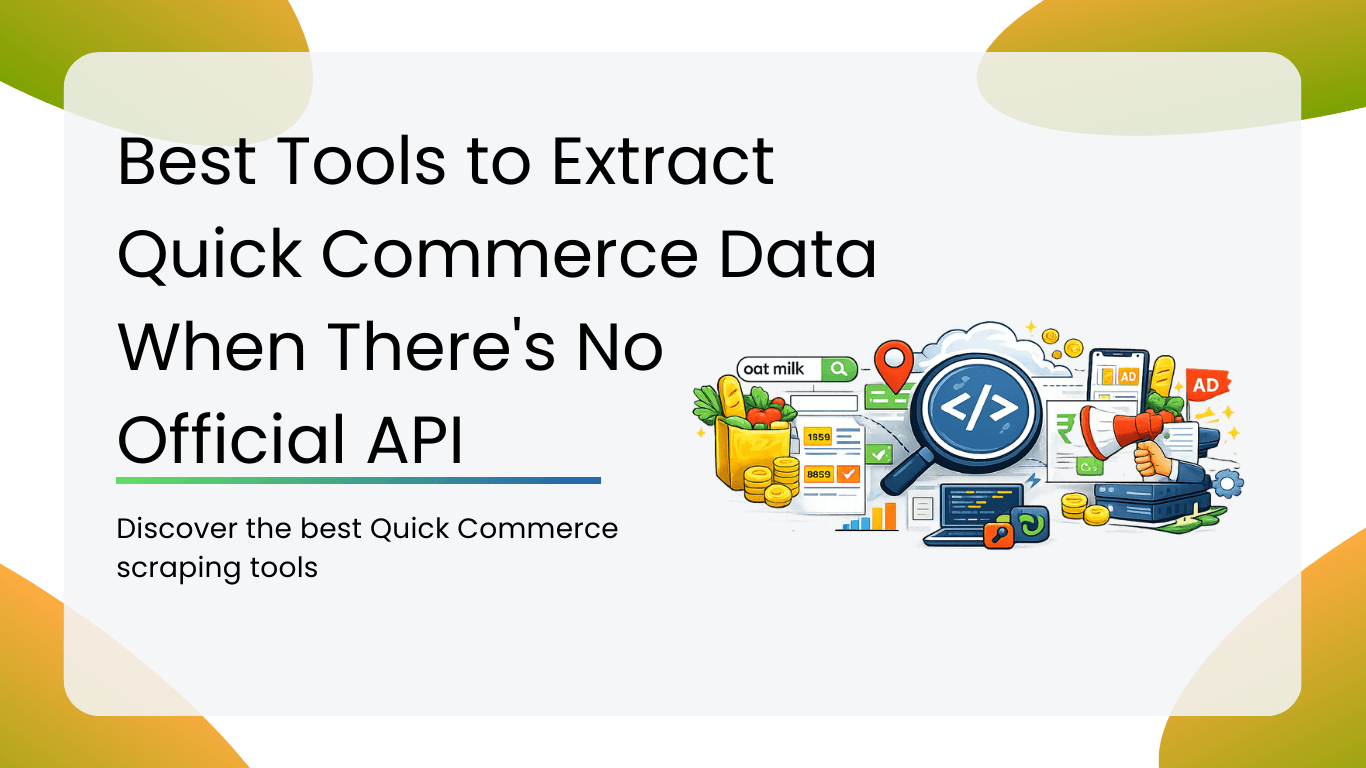
The short truth: Zepto doesn’t have a public API. Swiggy Instamart doesn’t have one either. Neither does Blinkit, BigBasket Now, or Dunzo. Yet thousands of brands, FMCG analysts, retail intelligence teams, and pricing strategists need live product data from these platforms every day. This guide covers the 6 best tools, including the only dedicated quick commerce API-style extractors built specifically for India’s top q-commerce platforms.
Why Quick Commerce Data Is So Valuable and So Hard to Get
Quick commerce, meaning grocery and daily essentials delivered in 10 to 30 minutes, has exploded across Indian metros. Zepto, Swiggy Instamart, Blinkit, and BigBasket Now are now serious shelf-space battlegrounds for FMCG brands. A product’s ranking in Zepto’s chocolate aisle, its price on Swiggy Instamart in Bangalore versus Chennai, and whether it’s running out of stock on Friday evenings: all of this data is commercially critical.
FMCG brand managers use it to monitor competitor pricing and track how discounts shift by city and season. Category managers rely on it to benchmark shelf visibility, specifically which brands are appearing first in search, and which are being pushed down by sponsored listings. Retail intelligence firms aggregate it to build dashboards for CPG clients. Developers use it to power price-comparison apps and deal-finding tools.
The problem? None of India’s major quick commerce platforms offers a public API. There is no official Zepto API, no Swiggy Instamart API, no Blinkit API. You cannot simply authenticate, send a GET request, and receive clean JSON. The data exists, it’s sitting right there on the app, but there’s no sanctioned programmatic route to access it.
That gap is exactly what the tools below are built to fill. Think of them as your unofficial quick commerce API layer: structured, repeatable, automatable data extraction without needing official permission.
What to Look for in a Quick Commerce Data Extraction Tool
Not every scraper or extraction tool is built for the specific challenges of quick commerce platforms. Before picking a tool, consider these factors:
- Location-awareness: prices and availability vary city-by-city, so the tool must support multiple Indian cities
- Sponsored product detection: You need to know if a result is organic or paid
- Real-time freshness: stale data is useless for pricing intelligence
- Structured output: you want clean fields like price, MRP, discount, and stock status, not raw HTML
- API access: so your team can automate runs and pipe data into dashboards or a data warehouse
Tool Comparison at a Glance
| Tool | Setup | Multi-City | Ad Detection | API Access | Maintenance | Best For |
| Smacient Zepto Extractor | Minutes | Yes | No | Yes | Managed | Zepto price and stock monitoring |
| Smacient Instamart Extractor | Minutes | Yes | Yes | Yes | Managed | Instamart pricing and ad intel |
| Apify Community Actors | Minutes | Varies | Varies | Yes | Community | Blinkit, BigBasket, etc. |
| Octoparse | Hours | Manual | No | Limited | Self | Non-technical, one-off |
| ParseHub | Hours | Manual | No | Limited | Self | Occasional research |
| Custom Python Scraper | Days/Weeks | Yes | Yes | Yes | In-house | Engineering teams, custom schema |
Tool 1: Smacient Zepto Data Extractor
Best for: FMCG brands, pricing analysts, and retail intelligence teams who need structured Zepto product data across Indian cities.
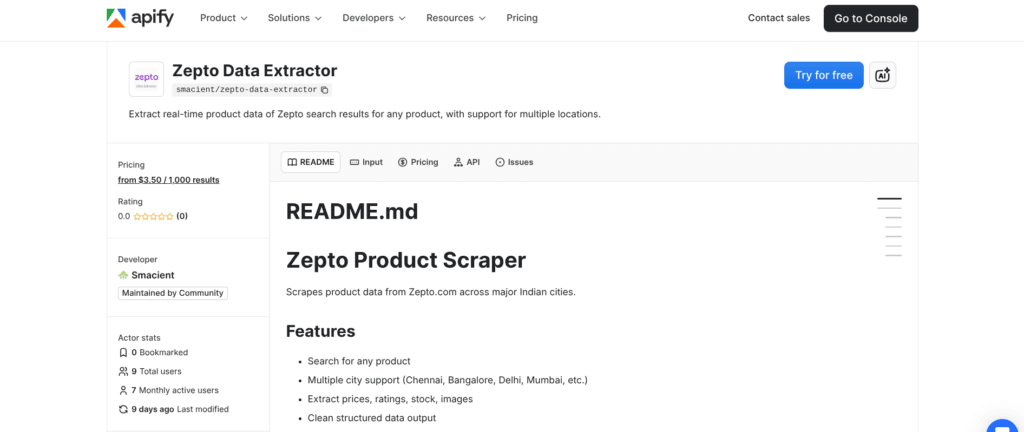
Built and maintained by Smacient on the Apify platform, the Zepto Data Extractor is the closest thing to a true quick commerce API for Zepto.com. You supply a list of search queries, pick a city, set a result limit, and the extractor returns clean, structured product records in minutes. No browser automation to configure, no proxy management to worry about, no parsing logic to write.
The tool runs as an Apify Actor, meaning it executes in the cloud, scales automatically, and is accessible via a standard REST API endpoint. That last point is crucial: once you trigger a run via the Apify API, results flow into a dataset you can query directly. It effectively gives you what a quick commerce API would give you, without needing Zepto to build one.
Cities supported: Chennai, Bangalore, Delhi, Mumbai, Hyderabad, Pune, Kolkata, Ahmedabad.
Data fields returned per product: name · brand · price · mrp · discount · packsize · stock · rating · total_ratings · image_url · category · product_id · variant_id
Pricing: from $3.50 per 1,000 results
Run it daily, weekly, or on demand. Export as JSON or CSV, or connect directly via the Apify API for automated pipelines.
Tool 2: Smacient Swiggy Instamart Data Extractor
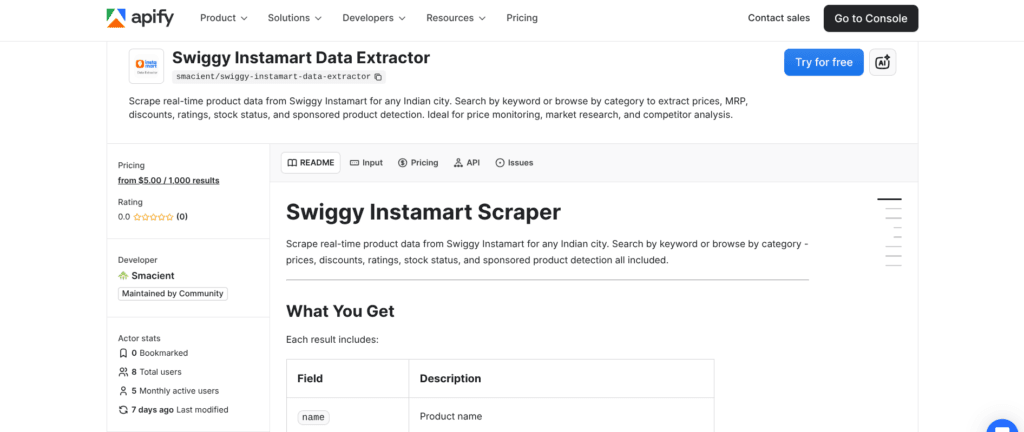
Best for: Price monitoring, shelf-visibility tracking, and sponsored vs organic analysis on Swiggy Instamart.
The Swiggy Instamart Data Extractor is Smacient’s second dedicated quick commerce extractor, again hosted on Apify. Swiggy Instamart is arguably India’s most complex quick commerce surface to analyse. It combines organic search results with sponsored listings, uses category-based browse structures alongside keyword search, and shows city-specific catalogues with varying prices and stock levels.
This tool handles all of that. You can search by keyword (e.g., “oat milk”, “sunscreen”) or navigate by category using Instamart’s Collection ID system, which is useful when you want to pull an entire product vertical rather than search for a specific term. Every result includes an isAd flag and an adTitle field, so you can instantly separate paid placements from organic rankings. That capability alone makes it invaluable for brands running Instamart ad campaigns who want to audit what paid vs unpaid visibility looks like for their category.
The pricePerUnit field normalises pricing across different pack sizes (e.g., Rs49.8/100g vs Rs38.5/100g), the kind of comparison that’s impossible to do manually at scale but essential for category benchmarking.
Data fields returned per product: name · brand · price · mrp · discount · savings · pricePerUnit · rating · ratingCount · inStock · isAd · adTitle · category · superCategory · imageUrl · city · scrapedAt
Pricing: from $5.00 per 1,000 results
Like the Zepto extractor, it runs on Apify’s cloud infrastructure and is fully accessible via API, making it easy to integrate into Python scripts or BI tools like Looker or Power BI.
Tool 3: Apify Store (Community Actors)
Best for: Teams that need data from multiple platforms beyond Zepto and Instamart, including Blinkit, BigBasket, and Flipkart Supermart.
Beyond Smacient’s dedicated extractors, the broader Apify Store hosts a growing ecosystem of community-built Actors for India’s quick commerce and e-commerce landscape. You’ll find scrapers for Blinkit, Amazon Fresh, and BigBasket, built by independent developers and in some cases updated regularly to keep pace with site changes.
The key advantage here is the Apify platform itself: unified billing, consistent API access patterns, built-in dataset storage, scheduling (run any Actor on a cron schedule), and webhook integrations for triggering downstream processes. If your data stack already lives in the Apify ecosystem, adding a Blinkit Actor alongside Smacient’s extractors requires zero additional infrastructure.
The trade-off with community Actors is maintenance unpredictability. If Blinkit updates its frontend, a community Actor may break until someone fixes it. For mission-critical pipelines, it’s worth evaluating an Actor’s update history before committing to it.
Tool 4: Octoparse
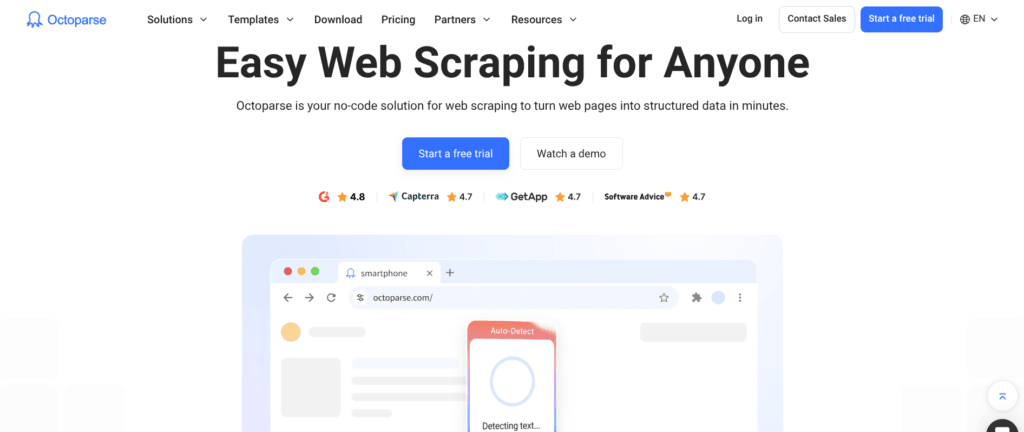
Best for: Non-technical analysts who need a visual, point-and-click interface to build custom scrapers for quick commerce pages.
Octoparse is a no-code web scraping tool that lets you build scrapers by clicking on elements in a visual browser window. You navigate to a Zepto or Swiggy Instamart search results page, click on the data fields you want to extract, and Octoparse generates the scraping workflow automatically. No code required.
For quick commerce use cases, Octoparse works reasonably well on simpler, paginated product listings. You can set up pagination loops, handle dynamic JavaScript rendering through its built-in browser engine, and schedule runs to collect data periodically.
The challenge: quick commerce apps are built on complex JavaScript frameworks with location-aware APIs that serve different content based on a user’s pin code or delivery area. Octoparse can struggle with location-specific content unless you manually configure session cookies or location parameters. For one-off or exploratory research, Octoparse is a solid option for analysts without engineering support, but for fully structured, multi-city data collection, purpose-built tools remain more reliable.
Tool 5: ParseHub
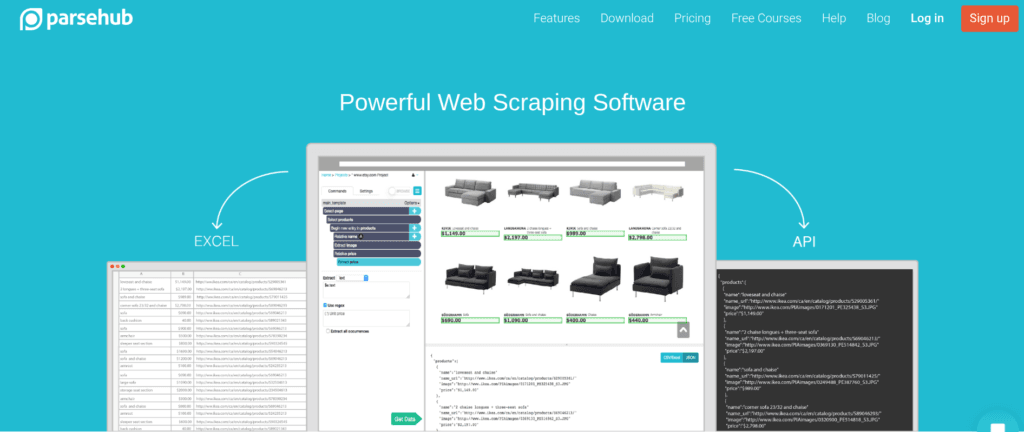
Best for: Point-in-time research projects where you need data from a specific page or category on a quick commerce platform, without writing code.
ParseHub is another visual scraping tool, similar to Octoparse in its point-and-click interface but with a slightly different project structure. It handles JavaScript-heavy pages well and supports conditional logic and multi-page scraping workflows that can be useful for traversing category hierarchies on platforms like Blinkit or BigBasket Now.
ParseHub’s free tier allows five public projects with a limited number of pages per run, which is enough for ad hoc research. Like Octoparse, the limitation for quick commerce specifically is location handling: you’ll often need to manually set your delivery location through the website before ParseHub can capture the right product catalogue for a given city. This setup step adds friction that a dedicated extractor eliminates entirely.
That said, ParseHub is a legitimate option for category managers or brand teams who need to pull data from a single platform in a single city on an occasional basis, without the budget or technical resources for a more automated pipeline.
Tool 6: Custom Python Scraper (Playwright / Requests)
Best for: Engineering teams who want full control over extraction logic, anti-bot handling, and data schema design.
If you have Python developers on your team, building a custom scraper using Playwright (for JavaScript-heavy apps) or Requests + BeautifulSoup (for simpler HTTP interception) is always an option. Some developers take a more elegant approach: they use their browser’s DevTools to intercept the underlying API calls that quick commerce apps make to their own backends, then replicate those requests in Python, effectively reverse-engineering a private API.
This approach offers maximum flexibility. You control exactly what data you capture, how it’s structured, and how often it runs. You can build city-switching logic, handle session tokens, and pipe data directly into your database without any third-party intermediary.
The significant downsides are maintenance burden and time-to-value. Quick commerce apps update their frontends frequently, sometimes weekly. When they do, your scraper breaks, and an engineer needs to fix it. IP bans are also a real risk without robust proxy rotation. For most business teams, the engineering overhead of maintaining a custom scraper outweighs the cost of a purpose-built solution. But for data engineering teams building long-term, proprietary pipelines, custom Python remains a viable and powerful approach.
How Teams Are Using This Data in Practice
The most common use case is competitive pricing intelligence. An FMCG brand schedules a daily run of the Zepto Data Extractor across three cities, then pipes the results into a Google Sheet or Tableau dashboard. Category managers wake up each morning to see if a competitor changed their Rs99 pack to Rs89 overnight in Bangalore and can respond accordingly.
The second major use case is shelf visibility auditing on Swiggy Instamart. Brands running Instamart advertising campaigns use the Swiggy Instamart Data Extractor to pull their category’s search results weekly. By separating organic from sponsored results using the isAd field, they can measure whether their ad spend is genuinely improving category visibility or simply displacing organic rankings.
A third growing use case is market entry research. A D2C brand considering whether to onboard onto Zepto will use the extractor to pull an entire category, say all sunscreen products on Zepto in Mumbai, to understand price positioning, brand density, pack size norms, and rating benchmarks before deciding whether and how to compete.
Note on data and terms of service: Web-based data extraction sits in a legally complex space. Most quick commerce platforms prohibit automated access in their terms of service. If you’re collecting data at scale for commercial purposes, consulting with a legal advisor about your use case and jurisdiction is always advisable.
The Quick Commerce API You Actually Have Access To
Here’s the practical reality for anyone searching for a “quick commerce API” today: the official version doesn’t exist. Zepto, Swiggy Instamart, and Blinkit have not made their product catalogues programmatically accessible to external developers. The closest functional equivalent, tools that give you structured, automatable, API-accessible product data, are the extraction tools covered in this guide.
Of the six options, Smacient’s dedicated extractors on Apify are the only ones purpose-built specifically for India’s major quick commerce platforms, with explicit multi-city support, clean structured output, managed maintenance, and genuine API access via the Apify platform. They require no configuration, no proxy management, and no ongoing engineering work. For teams that need reliable, repeatable, quick commerce data without building and maintaining the infrastructure themselves, they represent the fastest path to production.
Related blogs
- Best No-Code Web Scrapers in 2025
- 11 Best E-commerce Scraper APIs in 2024
- 11 Best Amazon Scrapers in 2025 | Scrape Amazon Product Data Easily
Frequently Asked Questions
No. As of early 2026, neither Zepto nor Swiggy Instamart offers a public developer API for accessing product catalogue data. Smacient’s extractors on Apify are designed to fill this gap by providing structured, API-accessible product data from these platforms.
Yes. Both Smacient’s Zepto Data Extractor and Swiggy Instamart Data Extractor run on Apify, which natively supports scheduled runs. You can configure them to run automatically and push results to your datasets, Google Sheets, or any endpoint via webhooks.
Yes, and this is one of their key advantages over generic scraping tools. Smacient’s extractors support Chennai, Bangalore, Delhi, Mumbai, Hyderabad, Pune, Kolkata, and Ahmedabad, with correct city-specific pricing and availability for each location.
Results are available as JSON or CSV via the Apify dataset interface. You can also access them programmatically via the Apify API, or connect them to Google Sheets, Airtable, Power BI, or any webhook-enabled service.
General scrapers require you to configure selectors, handle JavaScript rendering, and manage proxies yourself, and they break whenever the target site updates. Smacient’s extractor is built and maintained specifically for Swiggy Instamart, returns pre-defined structured fields including sponsored-product detection, and handles location-based content automatically. You get clean data in minutes, not days.
Disclosure – This post contains some sponsored links and some affiliate links, and we may earn a commission when you click on the links at no additional cost to you.