Q Commerce has completely changed the way people shop, with customers now expecting deliveries in minutes, not days. And behind every order is a goldmine of data that can help marketers understand pricing, product availability, promotions, and consumer trends.
But collecting this data manually across multiple quick commerce platforms can quickly become time-consuming and overwhelming. The good news? You don’t need to know how to code or hire a developer to get started. Today, there are plenty of no-code data extraction tools that let you gather valuable quick commerce data with just a few clicks.
In this guide, we’ll explore some of the best no-code Q Commerce data extraction tools marketers can use to collect insights, save time, and make smarter business decisions without writing a single line of code.
Why Quick Commerce Data Matters in 2026
Q Commerce has become a major part of how people shop. As more consumers shift towards platforms like Blinkit, Zepto, Instamart, and BigBasket, the competition among brands has become fiercer than ever.
For marketers, this means one thing: real-time data is no longer optional. Prices can change multiple times a day, products can go out of stock within hours, and promotional campaigns can appear and disappear in an instant.
Having access to fresh Q Commerce data helps marketers answer questions like:
- Are competitors lowering their prices?
- Which products are running promotions today?
- Is a product consistently going out of stock?
- Which brands are ranking at the top of search results?
- What are customers saying in their latest reviews?
- How does one platform’s product assortment compare with another?
The faster you can collect and analyze this information, the faster you can respond with better pricing strategies, smarter campaigns, improved product positioning, and stronger competitive insights.
Why Choose No-Code Data Extraction Tools?
Here are a few reasons why they’re becoming the go-to choice for marketers:
- No coding skills required: Set up data extraction with simple, user-friendly interfaces.
- Faster to get started: Launch data collection in minutes instead of building custom scripts.
- More cost-effective: Avoid the expense of hiring developers for routine data collection.
- Built-in automation: Schedule scraping tasks to run automatically at regular intervals.
- Easy integrations: Connect with APIs and popular tools for smoother workflows.
- Flexible exports: Download your data in CSV, Excel, or Google Sheets for easy analysis.
What to Look for in a No-Code Quick Commerce Data Extraction Tool
| Feature | Why It Matters |
| Ease of Use | A simple interface lets you set up and manage data extraction without coding. |
| Supports Dynamic Websites | Many quick commerce platforms load data dynamically, so your tool should be able to handle modern websites. |
| Scheduling | Automatically collect fresh data at regular intervals without manual effort. |
| API Access | Easily connect extracted data with dashboards, BI tools, or internal workflows. |
| Data Export | Export data in formats like CSV, Excel, or Google Sheets for quick analysis. |
| Anti-Bot Handling | Helps ensure reliable data collection even from websites with anti-scraping measures. |
| Scalability | Supports larger data volumes as your monitoring needs grow. |
| Integrations | Works with popular tools and automation platforms to streamline your workflow. |
| Pricing | Choose a tool that fits your budget while offering the features you need. |
Comparison Table of Top 8 No-Code Quick Commerce Data Extraction Tools Marketers Can Use Without a Developer
| Tool | Scheduling | API Access | Best For |
| Apify | Yes | Yes | Flexible automation and ready-made scraping Actors |
| Browse AI | Yes | Yes | Website monitoring and beginner-friendly data extraction |
| Octoparse | Yes | Yes | Large-scale web scraping with visual workflows |
| ParseHub | Yes | Yes | Extracting data from dynamic, JavaScript-heavy websites |
| Bright Data | Yes | Yes | Enterprise-grade data collection and managed scraping |
| Oxylabs | Yes | Yes | High-volume enterprise data collection |
| Web Scraper.io | Yes (Cloud Plans) | Yes (Cloud Plans) | Simple browser-based scraping and automation |
| Diffbot | Yes | Yes | AI-powered structured data extraction at scale |
Top 8 No-Code Quick Commerce Data Extraction Tools Marketers Can Use Without a Developer
| Table of Contents |
| 1. Apify |
| 2. Browse AI |
| 3. Octoparse |
| 4. ParseHub |
| 5. Bright Data |
| 6. Oxylabs |
| 7. Web Scraper.io |
| 8. Diffbot |
1. Apify
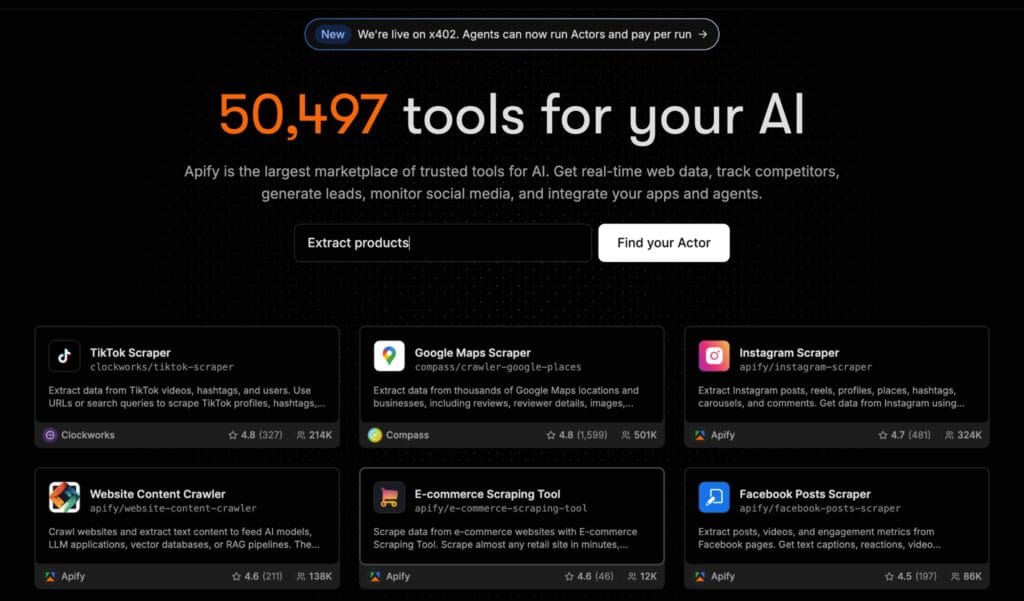
If you’re looking for a powerful yet beginner-friendly way to extract quick commerce data, Apify is one of the best places to start. It offers thousands of ready-made Actors (pre-built automation tools) that let you collect data from websites without building your own scraper from scratch. Most Actors can be run through an easy interface, scheduled to run automatically, and integrated with your existing workflows, all without needing a developer.
Best Features
- Huge library of ready-to-use scraping Actors
- No-code interface for running and scheduling data extraction
- Automatic data exports in CSV, Excel, JSON, and more
- API access for connecting with dashboards and other tools
- Integrations with platforms like Zapier, Make, and n8n
- Cloud-based execution, so you don’t need to keep your computer running
Pros
- Beginner-friendly with minimal setup
- Large marketplace of specialized Actors
- Powerful automation and scheduling options
- Scales easily from small projects to enterprise use cases
Cons
- Some specialized Actors require a paid subscription or pay-per-use pricing.
- Since many Actors are community-built, their features and maintenance can vary.
2. Browse AI
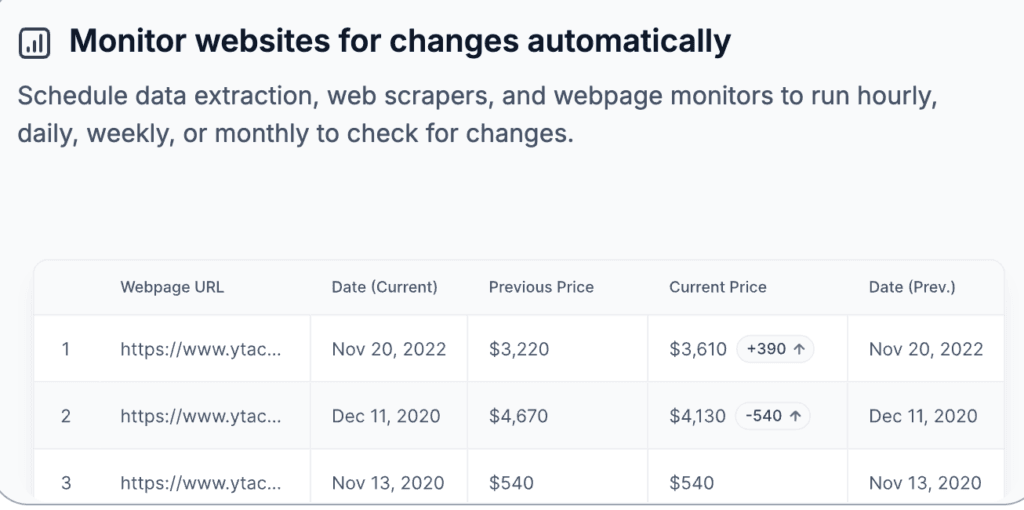
If you want to extract quick commerce data with as little setup as possible, Browse AI is a great choice. Instead of writing code, you simply point and click on the data you want to collect, and Browse AI trains a robot to do the work for you. It also lets you monitor websites for changes, making it ideal for tracking competitor prices, stock availability, and product updates automatically.
Best Features
- Point-and-click robot builder with no coding required
- Automatic website monitoring for price and inventory changes
- Scheduled data extraction and recurring monitoring
- Export data as CSV, JSON, or directly to Google Sheets
- REST API, webhooks, and integrations with 7,000+ apps through Zapier, Make, Airtable, and more
- Handles dynamic websites, pagination, and infinite scrolling with built-in bot protection
Pros
- Extremely beginner-friendly interface
- No technical knowledge required
- Powerful website monitoring and scheduling capabilities
- Extensive integration options for automated workflows
Cons
- Setting up custom robots for complex websites may require a bit of trial and error.
- Higher-volume scraping and advanced features are available on paid plans.
3. Octoparse
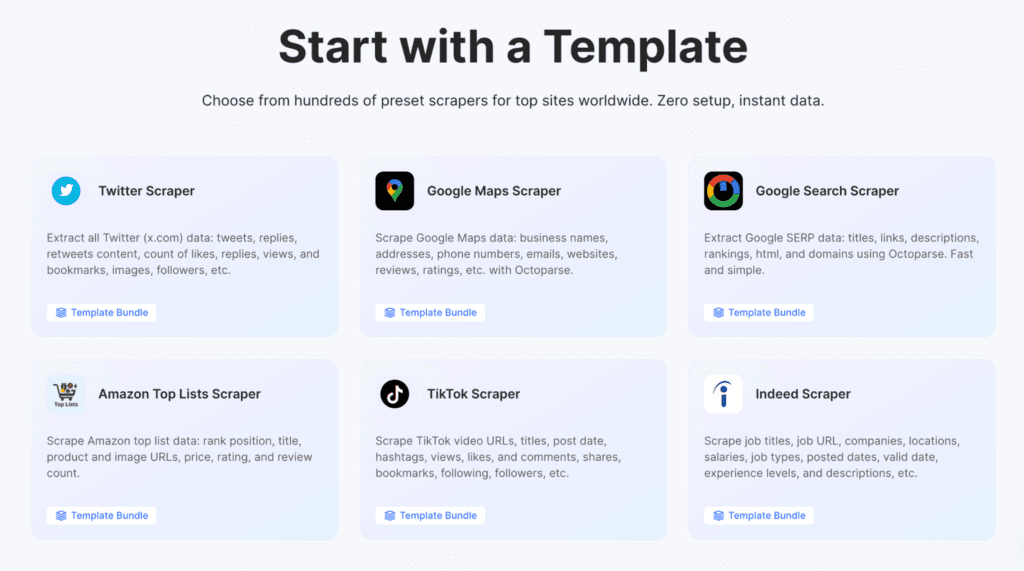
If you’re looking for a no-code tool that offers a little more flexibility, Octoparse is with considering. It uses a visual point-and-click interface to help you build web scraping workflows without coding. With AI-powered auto-detection, cloud extraction, and built-in scheduling, it’s a solid choice for marketers who need to collect large amounts of quick commerce data on a regular basis.
Best Features
- AI-powered auto-detect to create scraping workflows quickly
- Point-and-click interface with no coding required
- Cloud-based extraction and scheduled scraping
- Handles dynamic websites, infinite scrolling, logins, and pagination
- Built-in IP rotation and CAPTCHA handling on supported plans
- Export data to CSV, Excel, JSON, Google Sheets, databases, and APIs
Pros
- Beginner-friendly visual workflow builder
- Handles complex, JavaScript-heavy websites
- Powerful cloud automation and scheduling features
- Multiple export and integration options for business workflows
Cons
- Building custom workflows for complex websites takes a bit of practice.
- Many advanced features, such as cloud extraction and anti-blocking tools, are available only on paid plans.
4. ParseHub
If you need to extract data from complex websites without writing code, ParseHub is a great option. Its interface lets you select the data you want, while the platform takes care of the technical work behind the scenes. It also supports dynamic websites that use JavaScript, making it well-suited for collecting data from modern quick commerce platforms.
Best Features
- No-code visual web scraper with point-and-click setup
- Supports JavaScript-heavy and dynamic websites
- Scheduled data collection for automated monitoring
- Built-in REST API and webhooks for integrations
- Export data to CSV, Excel, JSON, Google Sheets, and Tableau
- Cloud-based scraping with IP rotation on paid plans
Pros
- Easy-to-use visual interface with no coding required
- Handles AJAX, JavaScript, infinite scrolling, and pagination
- Multiple export formats and API support
- Suitable for both small projects and large-scale data extraction
Cons
- Desktop application required to build scraping projects.
- Advanced features like scheduling and IP rotation are only available on paid plans.
5. Bright Data
While Bright Data is known for its enterprise-grade web data platform, it also offers no-code data collection tools that marketers can use without writing code. Its ready-made Web Scraper APIs, collector templates, and managed data collection services make it much easier to extract quick commerce data without building custom scrapers. If you need reliable data at scale, Bright Data is one of the strongest options available.
Best Features
- Ready-to-use no-code collector templates
- Managed web scraping services for hands-off data collection
- Supports large-scale data extraction from dynamic websites
- Built-in scheduling and automation
- API access for seamless integrations
- Export data in multiple formats, including CSV, JSON, and Excel
- Advanced proxy network and anti-bot technology for reliable data collection
Pros
- Enterprise-grade reliability and scalability
- No-code collector templates reduce the need for developers
- Excellent support for dynamic websites and anti-bot protection
- Powerful automation, scheduling, and API capabilities
Cons
- The platform has a steeper learning curve than beginner-focused tools.
- Pricing is generally higher, making it better suited for businesses with larger data requirements.
6. Oxylabs
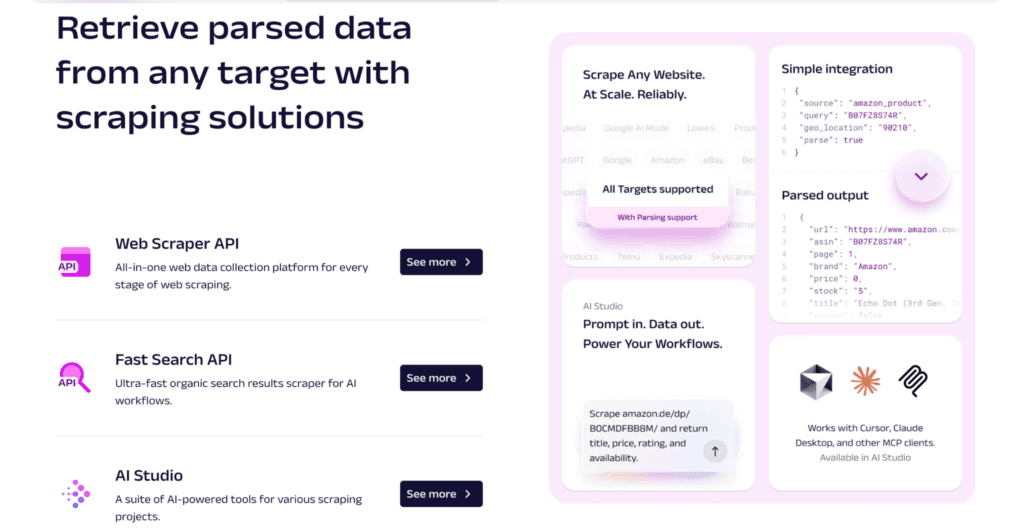
Oxylabs is a premium web data collection platform designed for businesses that need reliable, large-scale data extraction. While it’s best known for its enterprise solutions, it also offers managed scraping services and user-friendly tools that reduce the need for in-house developers. If your team needs consistent access to quick commerce data across multiple platforms, Oxylabs is a strong option to consider.
Best Features
- Managed web scraping solutions for hassle-free data collection
- Visual tools and APIs for simplified setup
- Supports dynamic, JavaScript-heavy websites
- Built-in scheduling and automation
- Large proxy network with advanced anti-bot technology
- Export data in formats like JSON and CSV, with API integrations for custom workflows
Pros
- Highly reliable platform built for large-scale data collection
- Excellent anti-bot and proxy infrastructure
- Managed solutions reduce operational effort
- Scales easily as business needs grow
Cons
- Premium pricing may not be suitable for smaller teams or individual users.
- Some features are geared toward enterprise users and may require onboarding.
7. Web Scraper.io
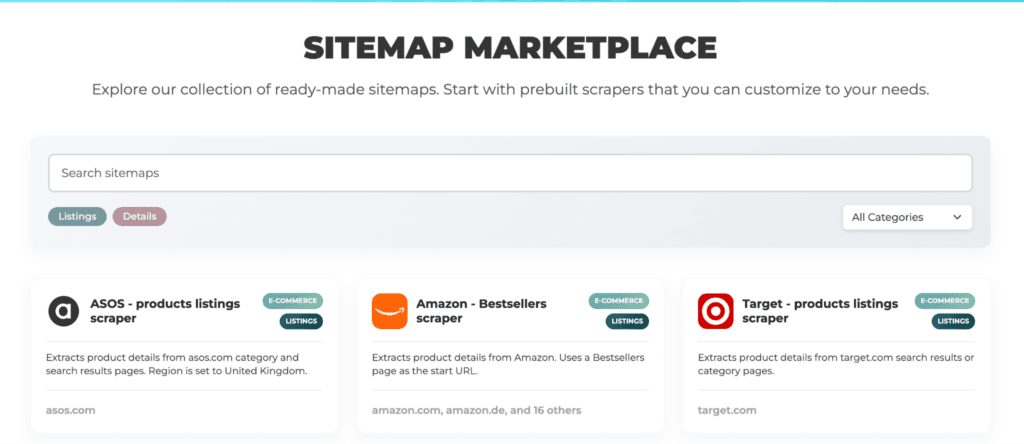
If you’re looking for a simple tool to get started with web scraping, Web Scraper.io is a great choice. It offers a free browser extension that lets you build scraping workflows using a visual sitemap builder instead of code. Simply click on the elements you want to extract, create a sitemap, and let the tool handle the rest. For marketers who need more automation, Web Scraper Cloud adds scheduling, API access, and cloud-based scraping.
Best Features
- Fast Chrome and Firefox browser extension
- Visual sitemap builder with point-and-click setup
- Supports dynamic, JavaScript-heavy websites
- Scheduled cloud scraping on paid plans
- API and webhook access for integrations
- Export data in CSV, XLSX, and JSON formats
- Integrates with Google Sheets, Google Drive, Dropbox, and other cloud services
Pros
- Beginner-friendly browser extension
- No coding required for basic scraping tasks
- Free version available for local scraping
- Cloud automation and scheduling available as your needs grow
Cons
- Creating sitemaps for complex websites can take some practice.
- Advanced features like cloud scheduling, API access, and proxy support require a paid subscription.
8. Diffbot
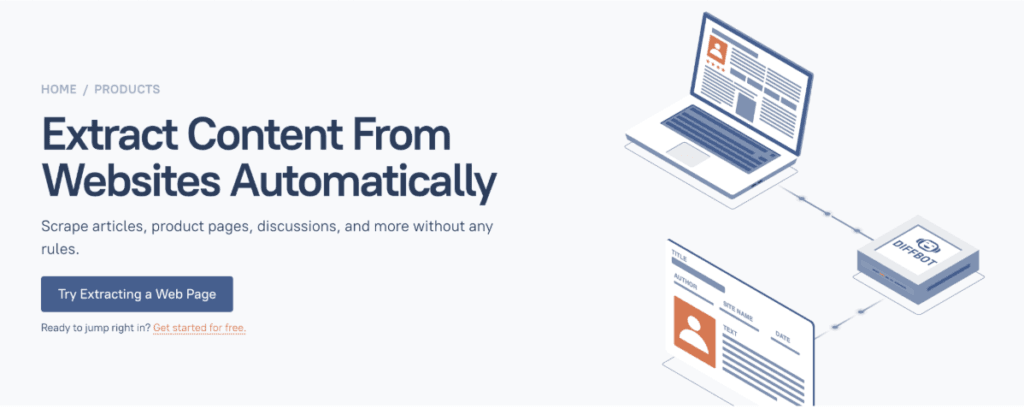
Diffbot takes a different approach to web data extraction by using AI to automatically understand and structure web pages. Instead of manually selecting elements or building scraping workflows, its machine learning models identify products, articles, images, and other page elements for you. While it’s geared toward larger organizations, its managed platform makes large-scale data collection much easier than building custom scrapers from scratch.
Best Features
- AI-powered extraction that automatically identifies structured data
- No need to manually create scraping rules for many websites
- Handles dynamic and JavaScript-heavy web pages
- Large-scale cloud-based data extraction
- API access for integrating with business intelligence and analytics tools
- Built-in knowledge graph and structured datasets for advanced use cases
Pros
- AI automates much of the data extraction process
- Excellent for collecting structured data at scale
- Handles complex websites with minimal manual configuration
- Reliable cloud infrastructure for enterprise workloads
Cons
- Primarily designed for enterprise users, so pricing may be higher than most no-code tools.
- Advanced features and APIs may be more than smaller marketing teams need.
Which Tool Should You Choose?
| If You’re… | Recommended Tool | Why It’s a Good Fit |
| E-commerce Brands | Apify or Browse AI | Easy to set up, automate competitor tracking and monitor pricing, promotions, and product availability. |
| Marketing Agencies | Octoparse or Apify | Flexible enough to manage multiple projects with scheduling and data exports. |
| Market Research Teams | ParseHub or Diffbot | Great for collecting structured data from multiple websites and analyzing market trends. |
| Pricing & Competitive Intelligence Teams | Bright Data or Oxylabs | Built for reliable, large-scale data collection with enterprise-grade infrastructure. |
| Enterprise Organizations | Bright Data, Oxylabs, or Diffbot | Best for handling high data volumes, advanced integrations, and managed data collection. |
| Small Businesses & Startups | Browse AI or WebScraper.io | Affordable, beginner-friendly tools that don’t require technical expertise to get started. |
Common Marketing Use Cases
With the right no-code tool, marketers can uncover valuable insights that improve campaigns, product strategies, and competitive positioning.
- Competitor Price Tracking: Monitor price changes across platforms and respond quickly to stay competitive.
- Product Catalog Monitoring: Keep track of new listings, discontinued products, and catalog updates.
- Assortment Analysis: Compare product availability and brand presence across different quick commerce apps.
- Promotion Tracking: Monitor discounts, coupons, bundles, and limited-time offers launched by competitors.
- Stock Availability Monitoring: Identify products that frequently go out of stock and spot demand trends.
- Category Trend Analysis: Understand which product categories are growing and where consumer demand is shifting.
- New Product Launch Tracking: Get notified when competitors introduce new products or expand into new categories.
- Campaign Intelligence: Analyze featured products, banner placements, sponsored listings, and promotional campaigns to understand competitor marketing strategies.
With today’s no-code data extraction tools, marketers can easily monitor pricing, promotions, product availability, search rankings, and much more.
The right tool ultimately depends on your goals. Once you identify that, you can spend less time gathering data and more time using it to make smarter marketing decisions.
Looking to learn more? Explore our other guides:
- Reliable Travel Price Scraping: A Complete Guide
- How to Scrape Real Estate Listings Efficiently at Scale
- How to Achieve Low Latency and High Bandwidth in Web Scraping
- How to Scrape App Store and Marketplace Reviews at Scale
FAQs
Simply choose a no-code data extraction tool, enter the website or product page you want to monitor, select the data fields, and run or schedule the extraction. No coding is required.
Most no-code tools can be set up in just a few minutes. More advanced workflows may take a little longer, depending on the website and the data you want to collect.
In most cases, no. Many no-code tools can extract publicly available data without requiring you to log in to the quick commerce platform.
It depends on your goals. For pricing, promotions, and stock monitoring, daily or hourly extraction is common, while weekly schedules may be enough for broader market research.
Disclosure — This post contains some sponsored links and some affiliate links, and we may earn a commission when you click on the links, at no additional cost to you.