If you do social media research, content strategy, or competitive intelligence, you already know how much signal lives inside TikTok. Which creators are dominating a niche, what hooks are driving watch time, which keywords are blowing up in captions, and how posting cadence maps to growth. That data is all there. The problem has always been getting it somewhere useful.
The old workflow looked something like this: open TikTok, search a creator or keyword, scroll through videos, note view counts, copy captions into a spreadsheet, switch over to Claude, summarize what you found in a prompt, and begin analysis. Then realize you need three more accounts and start again. That loop is broken. It was built for a world where AI assistants and live social platforms did not communicate. That world no longer exists.
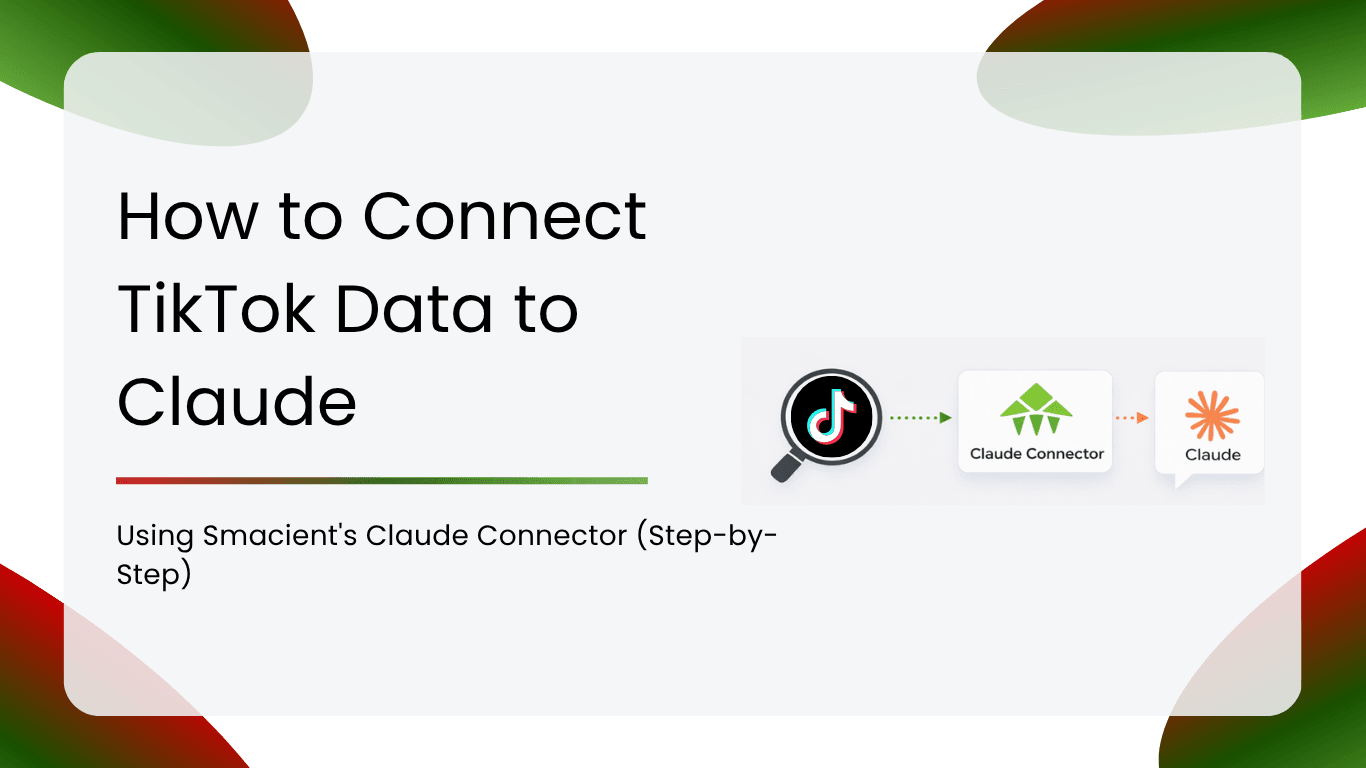
Smacient’s Marketing Data and Context for Claude connector closes the gap. Once you have it set up, you can ask Claude to search TikTok for creators, videos, or keywords in plain English, directly inside your conversation. Claude fetches the data, analyzes it, and surfaces insights in one continuous thread. No exports, no tab switching, no rebuilding context from scratch.
This guide covers the full setup process from account creation to your first live query, plus a library of example prompts across competitive research, content strategy, influencer discovery, and cross-platform analysis.
Table of Contents
What Smacient’s TikTok Tools Actually Do
Before getting into setup, it helps to know exactly what Claude gains access to when the connector is active.
Smacient exposes two dedicated TikTok tools to Claude via the MCP protocol.
extract_tiktok_videos pulls videos from a specific TikTok creator profile. For each video, Claude receives structured data including the video URL, caption text, view count, like count, comment count, share count, and post date. You can specify how many recent videos to pull per request. This is the tool Claude uses when you point it at a specific account.
search_tiktok queries TikTok by keyword and returns a ranked list of matching videos. Claude gets the same structured data points per video, making it possible to analyze what content is performing around a topic, trend, or search term without targeting a specific account.
Both tools return data in a structured, LLM-ready format, which means Claude can immediately reason across multiple results, compare accounts, rank by engagement, and identify patterns without any intermediate reformatting on your end.
Prerequisites
Before starting the setup, make sure you have the following:
- A Smacient account (30 free credits are applied at signup, no payment details required)
- A Claude.ai Pro or Team plan (custom connectors require a paid Claude plan)
- The TikTok usernames or keywords you want to research (you do not need to be logged in to those accounts)
Step 1: Create Your Smacient Account
Go to smacient.com/mde/signup and create your free account. You will need just your name and email address. No credit card is required at signup. The process takes under two minutes, and your 30 free credits are applied immediately.
These credits work across the entire Smacient connector, including TikTok, Instagram, YouTube, Meta Ads Library, Google Keyword Planner, Google Analytics 4, and Google Search Console.
Once your account is live, you land in the Smacient dashboard. This is where you can track your credit balance, view your extraction history, and access your personal MCP connector URL.
Note on TikTok credits: TikTok tool calls draw from your credit balance. Your 30 free monthly credits give you enough runway to run several meaningful research sessions before topping up. Additional credits are available from your dashboard and never expire.
Step 2: Copy Your MCP Connector URL
Inside the Smacient dashboard, locate your personal MCP connector URL. It will look like this:
https://claude.smacient.com/mcp
Copy this URL. This is the address Claude uses to communicate with Smacient’s servers and retrieve TikTok data on your behalf. You will paste it into Claude in the next step.
Step 3: Add the Smacient Connector in Claude
Open Claude.ai and follow these steps:
- Click on your profile icon and go to Settings
- Navigate to the Connectors section
- Click Add custom connector
- In the Name field, type: Smacient
- In the Remote MCP server URL field, paste: https://claude.smacient.com/mcp
- Click Add
- Claude will redirect you to a Smacient sign-in screen
- Enter the email and password you used at smacient.com/mde/signup
- Authorize the connection
Once authorized, the Smacient connector will appear as active in your Settings panel.
Quick tip: Set the connector permissions to “Always allow” so Claude can query TikTok data across different chats without prompting you to re-authorize each time.
Note: Once connected via Claude.ai, the connector also works automatically in Claude Desktop and Claude Code. You do not need to repeat this setup for those clients.
Step 4: Verify the Connection
Before pulling any TikTok data, open a new Claude conversation and run this free check:
“Check my Smacient credits balance.”
Claude will call the get_credits_balance tool and return your current balance and plan details. This call is completely free. If you see your balance, the connection is live, and you are ready to start querying TikTok.
If the connector does not respond, go back to Settings in Claude.ai and confirm it shows as active. A fresh sign-in to the Smacient dashboard typically resolves any authentication issues.
Step 5: Start Querying TikTok in Plain English
This is where the workflow changes completely. You do not need to remember tool names, write structured queries, or format your requests in any special way. Just describe what you need as you would to a research assistant.
Here are your first three prompts to get started:
Pull videos from a creator:
“Extract the last 20 videos from @[username] and tell me which content formats and topics are driving the most engagement.”
Search by keyword:
“Search TikTok for ‘sustainable fashion’ and summarise what content and creators are dominating those results.”
Competitor benchmarking:
“Pull the last 15 videos from @[competitor1] and @[competitor2]. Compare their posting frequency, hook styles, and engagement rates. Which account has the stronger content strategy and why?”
Example Prompts by Use Case
Competitive Research
“Extract the last 25 videos from @[competitor]. Identify the top 5 by view count and analyse what they have in common in terms of hook, caption structure, video length, and topic.”
“Pull the last 20 videos from each of these three accounts: @[account1], @[account2], @[account3]. Rank them by average engagement rate and tell me which account is winning and why.”
“Search TikTok for ‘home gym setup’ and return the top 10 results. What content formats are performing best? Are they tutorials, transformations, or product showcases? What do the top captions have in common?”
“Extract the last 30 videos from @[brand account]. How often are they posting? What percentage of their content is product-focused versus educational or entertainment? Is there a pattern in which type performs better?”
Content Strategy and Hook Research
“Search TikTok for ‘morning routine productivity’ and pull the top 15 results. List the opening lines or visual hooks used in the top videos. I want to use these to brief a script writer.”
“Extract the last 40 videos from @[creator in my niche]. Identify the 10 highest-performing videos and analyse the caption structure. Are they using questions, numbers, calls to action, or story setups?”
“Search TikTok for ‘meal prep for beginners’ and return the top 20 videos. What video lengths are performing best? Under 30 seconds, 30 to 60 seconds, or over 60 seconds? Give me a breakdown.”
“Pull the last 30 videos from @[competitor]. Extract all the caption text from the top 10 by views. Identify recurring keywords, phrases, and hashtag patterns. I want to reverse-engineer their keyword strategy.”
Influencer Discovery
“Search TikTok for ‘skincare routine for acne’ and return the top 20 results. For each creator that appears, tell me their handle and note how many videos from them appear in the results. I am looking for creators who consistently surface for this topic.”
“Extract the last 20 videos from each of these five influencers: @[list of handles]. Rank them by average like-to-view ratio. I need to identify who has the most genuinely engaged audience before briefing a campaign.”
“Search TikTok for ‘budget travel Europe’ and pull the top 15 videos. Which creators appear most frequently? Are they established accounts or smaller creators? This will help me decide whether to go broad or niche for our next influencer campaign.”
Trend and Niche Research
“Search TikTok for ‘AI tools for marketers’ and return the top 20 results. What specific tools are being mentioned most? What pain points are creators framing their content around? I want to understand what the audience actually cares about.”
“Search TikTok for ‘protein coffee’ and pull the top 25 videos. Is this trend growing based on the recency of the top videos? What angles are creators taking: recipe-focused, lifestyle-focused, or product reviews?”
“Extract the last 50 videos from @[niche creator]. Identify which topics have driven their most viral moments. I want to understand what content broke them out before building my own content plan in this space.”
Cross-Platform Analysis with Smacient
One of the most powerful aspects of the Smacient connector is the ability to combine TikTok data with data from other platforms in the same Claude conversation. The connector gives Claude access to Instagram, YouTube, Meta Ads Library, Google Keyword Planner, Google Analytics 4, and Google Search Console simultaneously.
“Extract the last 20 videos from @[TikTok handle] and the last 20 posts from @[Instagram handle] for the same brand. Compare engagement rates across both platforms. Where is their audience more active, and what content format differences explain that?”
“Search TikTok for ‘collagen supplements’ and pull the top 15 videos. Then pull keyword ideas for the same term from Google Keyword Planner. Are the topics dominating TikTok aligned with what people search for on Google, or is there a gap I can exploit?”
“Extract the last 30 videos from @[competitor TikTok] and then search the Meta Ads Library for the same brand. Are they pushing the same messaging organically on TikTok as they are in their paid ads? Tell me where the strategy is consistent and where it diverges.”
“Pull the top 20 TikTok results for ’email marketing tips’. Then extract the last 20 posts from @[competitor Instagram] covering the same topic. Which platform has more engagement for this content category? Where should I be focusing my content budget?”
Frequently Asked Questions
No. Smacient handles all data retrieval on the backend with no TikTok login or credentials required from you.
No. The connector only returns data from public profiles and public search results.
As many as you specify in your prompt, with credits consumed proportionally.
Yes. Once connected via Claude.ai, the connector is automatically active in Claude Desktop and Claude Code.
Can I combine TikTok data with other platforms in one conversation?
Yes. TikTok can be combined with Instagram, YouTube, Meta Ads Library, Google Keyword Planner, GA4, and Search Console in a single thread.
Claude stops the extraction, but your full conversation history stays intact, so you can top up and continue.
Yes. Custom connectors in Claude.ai require a Pro or Team plan.
No. Credits never expire, regardless of which pack you buy.
Related Blogs
How to Reverse-Engineer Any Creator’s Content Strategy (Without Watching Hours of Video)
How to Get Meta Ads Library Data in Claude Using Smacient’s Claude Connector
Connect Instagram Data to Claude: Smacient Claude Connector Guide
Top Claude Connectors to Automate Workflows and AI Tasks for Marketers