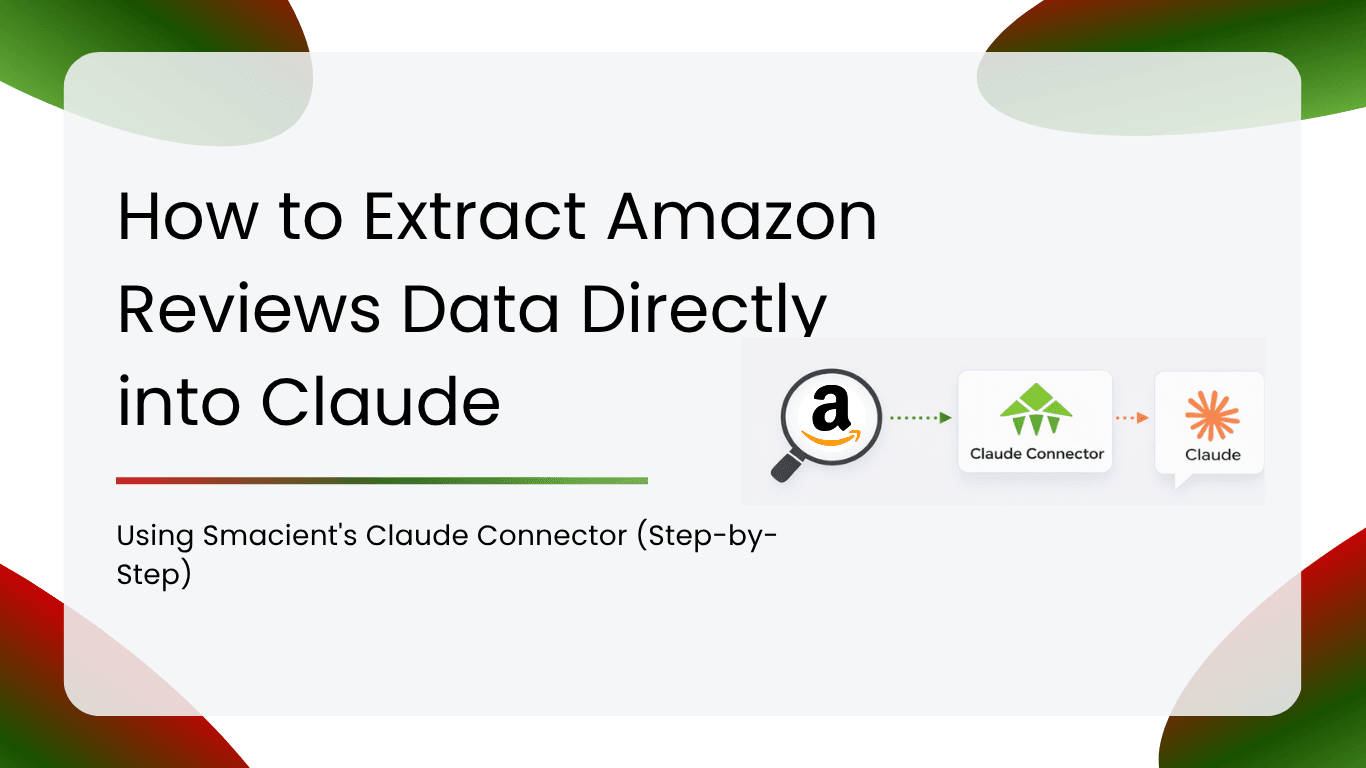
If you have ever tried to make sense of hundreds of Amazon reviews manually, you know how slow and painful it is. You download a spreadsheet, paste text into Claude, and by the time you finish, the data is already stale. There is a better way. Smacient’s Claude Connector turns Claude into a live Amazon reviews data terminal. You type a prompt, Claude pulls the reviews, and you get structured analysis in seconds. This guide walks you through the complete setup, from creating your account to running your first Amazon reviews data extraction, with no CSV exports, no copy-pasting, and no wasted time.
Table of Contents
What Is the Smacient Claude Connector?
Smacient is a marketing data platform that connects Claude to live data from 14 platforms through the Model Context Protocol (MCP). Instead of exporting data manually and uploading files, you ask Claude a question in plain English, and the connector fetches fresh data from the platform in real time.
The connector works across every Claude interface: Claude.ai (Pro and Team plans), Claude Desktop, Claude Code, and Claude Cowork. Once connected, you have access to 47 tools covering Instagram, TikTok, YouTube, Google Maps, Amazon, Google Play, App Store, Meta Ads Library, Google Ads Library, Google Keyword Planner, Google Analytics 4, Google Search Console, Google Ads, and Meta Ads.
Amazon reviews are one of the most heavily used tools in the connector, and for good reason. Customer voice data is a goldmine for product managers, brand managers, researchers, and marketers, and Smacient makes it available on demand inside Claude without any technical setup.
What Amazon Reviews Data Can You Extract?
The amazon_get_reviews tool extracts the following fields for each review:
- Reviewer name
- Star rating (1 to 5)
- Review title
- Full review text
- Verified purchase status
- Helpful votes count
You can target any product using its ASIN (Amazon Standard Identification Number) or the full product URL. The tool supports every major Amazon marketplace: US, UK, India, Germany, Canada, Australia, France, and more. You can filter results by star rating (for example, only 1-star and 2-star reviews) or by keyword to focus on a specific topic like “packaging” or “battery life”.
This makes it ideal for quick sentiment sweeps, competitive product research, feature gap analysis, and customer complaint mining, all without leaving Claude.
Step 1: Create Your Free Smacient Account
Before you can extract Amazon reviews data into Claude, you need a Smacient account. Sign up for free with no credit card required.
- Go to smacient.com/mde/signup/ and create your account.
- After signing up, you are taken to your dashboard.
- Your MCP connector URL is displayed at the top of the dashboard: https://claude.smacient.com/mcp
Keep that URL handy. You will paste it into Claude in the next step.
The dashboard is also where you review your extraction history (date, tool used, platform, and results count), and connect optional accounts for GA4, Search Console, Google Ads, and Meta Ads. For Amazon reviews, no additional account connection is needed. The tool works immediately after you connect the MCP server.
Step 2: Add the MCP Connector to Claude
This is a one-time setup. Once done, the connector is active across all your Claude conversations.
On Claude.ai
- Open claude.ai and go to Settings.
- Navigate to Connectors and click Add custom connector.
- In the Name field, type: Smacient
- In the Remote MCP server URL field, paste: https://claude.smacient.com/mcp
- Click Add. Claude will redirect you to a Smacient sign-in screen.
- Sign in with the email and password you used to create your Smacient account.
- After authorising, the connector appears as active. Start a new chat to use it.
The first time Claude calls any tool (including amazon_get_reviews), it will ask for your approval. Click Always allow, and you will not be prompted again for that tool.
Step 3: Extract Amazon Reviews Data in Claude
Once the connector is active, extracting Amazon reviews data is as simple as asking Claude a question. No tool names required. No parameters to fill in. Just describe what you need.
Here are example prompts that work right away:
Basic extraction:
“Get the top 50 Amazon reviews for product B08C1W5N87 and tell me what customers love and what they keep complaining about.”
Marketplace-specific:
“Pull 30 Amazon India reviews for ASIN B09G9HD9VT and summarise the most common issues.”
Competitor research:
“Extract the last 40 Amazon UK reviews for
and identify the top 3 negative themes.”
Star rating filter:
“Get the 1-star and 2-star Amazon reviews for ASIN B07XJ8C8F5 and categorise the complaints by topic.”
Keyword-focused:
“Find Amazon reviews for B0BDJ3FGF5 that mention ‘battery’ and tell me if the sentiment is positive or negative.”
Claude calls amazon_get_reviews in the background, retrieves live data, and then reasons over it to give you the analysis. You get the structured insights without doing any of the manual work.
How to Find the Right ASIN for Any Product
The ASIN is the unique identifier Amazon uses for every product. It appears in the product URL and on the product page itself.
From the URL: In a URL like amazon.com/dp/B08C1W5N87, the ASIN is B08C1W5N87.
From the product page: Scroll to the “Product information” or “Additional information” section. The ASIN is listed there.
Using the full URL, you can also paste the complete Amazon product URL directly into your Claude prompt. The connector accepts both ASINs and full URLs.
If you are researching multiple competing products, you can list multiple ASINs in a single prompt:
“Get 20 reviews each for B07XJ8C8F5 and B09G9HD9VT and compare customer sentiment across both products.”
Filtering and Refining Your Amazon Reviews Data
The amazon_get_reviews tool supports two main filter options that you can invoke conversationally:
Filter by star rating: Ask Claude to pull only specific star ratings. This is useful when you want to isolate negative feedback for crisis analysis or positive feedback for testimonial mining.
“Get only the 1-star and 2-star reviews for B08C1W5N87 from Amazon US.” “Pull just the 5-star reviews for this product and find what makes customers most enthusiastic.”
Filter by keyword: Narrow the review set to only those mentioning a specific word or phrase.
“Get Amazon reviews for B09G9HD9VT that mention the word ‘smell’.” “Find reviews for ASIN B0BDJ3FGF5 that mention ‘return’ or ‘refund’.”
Marketplace targeting: Specify a marketplace to get reviews from a particular country.
“Get Amazon UK reviews for B08C1W5N87.” “Pull Amazon India reviews for this ASIN.”
Combining filters in a single prompt works too:
“Get the 1-star and 2-star Amazon India reviews for B09G9HD9VT that mention ‘delivery’.”
Real Use Cases: What You Can Do with Amazon Reviews Data
Product teams and brand managers
Pull your own product’s reviews regularly to track sentiment shifts after launches, price changes, or packaging updates. Ask Claude to classify reviews by theme (quality, delivery, value, customer service) and flag emerging issues before they escalate.
“Get the last 100 Amazon reviews for our product B08C1W5N87 and tell me if sentiment has changed over the past 30 days compared to the 30 days before that.”
Competitive intelligence
Extract reviews for competitor products and identify the gaps your product can fill. Look for recurring complaints about a rival’s product that your product already solves, and use that in your messaging.
“Get 50 reviews for each of these three competing products and build a feature sentiment comparison table.”
Marketing and copywriting
Mining verified reviews gives you the exact language customers use to describe problems and desired outcomes. This is some of the most valuable copywriting research available.
“Pull the top 50 five-star reviews for B07XJ8C8F5 and extract the most emotional and specific phrases customers use to describe the benefit.”
E-commerce sellers and agencies
If you manage multiple client brands on Amazon, you can pull reviews for several ASINs in one Claude conversation and generate a consolidated report. The Smacient documentation includes example prompts for multi-product and multi-marketplace queries.
Managing Your Smacient Dashboard
The Smacient dashboard is your control centre for everything related to the connector.
What you can do from the dashboard:
- Copy your MCP connector URL (https://claude.smacient.com/mcp)
- Connect Google Analytics 4, Search Console, Google Ads, and Meta Ads accounts (one-time OAuth flow for each)
- Disconnect any connected account at any time (credentials are deleted immediately)
- Review your full usage history: date, tool name, platform, and results count.
The usage history is particularly useful for tracking which team members or projects are running the most extractions.
Combining Amazon Reviews with Other Platform Data
One of the most powerful capabilities of the Smacient connector is combining Amazon reviews data with data from other platforms in a single Claude conversation. Because all 47 tools are available simultaneously, you can run multi-source research without switching tabs or tools.
Example: Product launch readiness check
“Pull the top 50 Amazon reviews for our current product B08C1W5N87, then search Google Play for our app ‘com.ourbrand.app’ and pull its recent reviews too. Tell me if the themes in customer complaints are consistent across both platforms.”
Example: Competitive market map
“Get 30 reviews each for these five competing Amazon products. Also, search Google Maps for the top retail stores in this category in Bangalore and pull their reviews. Cross-reference the themes.”
Example: Content strategy from real customer language
“Pull 100 Amazon reviews for B09G9HD9VT. Then get keyword ideas from Google Keyword Planner using the top complaint themes as seed keywords. Tell me which complaints have high search volume so I can build content around them.”
FAQs
No. The tool extracts publicly available Amazon reviews without any account connection.
Yes. Include multiple ASINs or product URLs in your Claude prompt, and the connector handles them.
Yes. The same MCP URL works across Claude.ai, Claude Desktop, Claude Code, and Claude Cowork.
No. Amazon reviews extraction works immediately after connecting the MCP server, with no additional account setup.
Related Blogs
Connect Apple App Store to Claude in 3 Steps with Smacient
How to Connect a Claude Connector and Analyse Your Meta Ads Data in Minutes
How to Get Live Google Ads Data Into Claude in a Few Minutes
How to Get Meta Ads Library Data in Claude Using Smacient’s Claude Connector
How to Connect GSC Data to Claude in under 1 Minute for Free
How to Connect Google Analytics 4 to Claude for Free Using Smacient’s Claude Connector
How to Get Competitor Google Ad Creatives Directly Into Claude